

Skip to content
Culminate Life
Run events and sell tickets

From sign‑up to the door.

Event registration and ticketing for retreats, camps, conferences, and galas. Sell tickets on your website and app, take deposits, and check people in at the door.
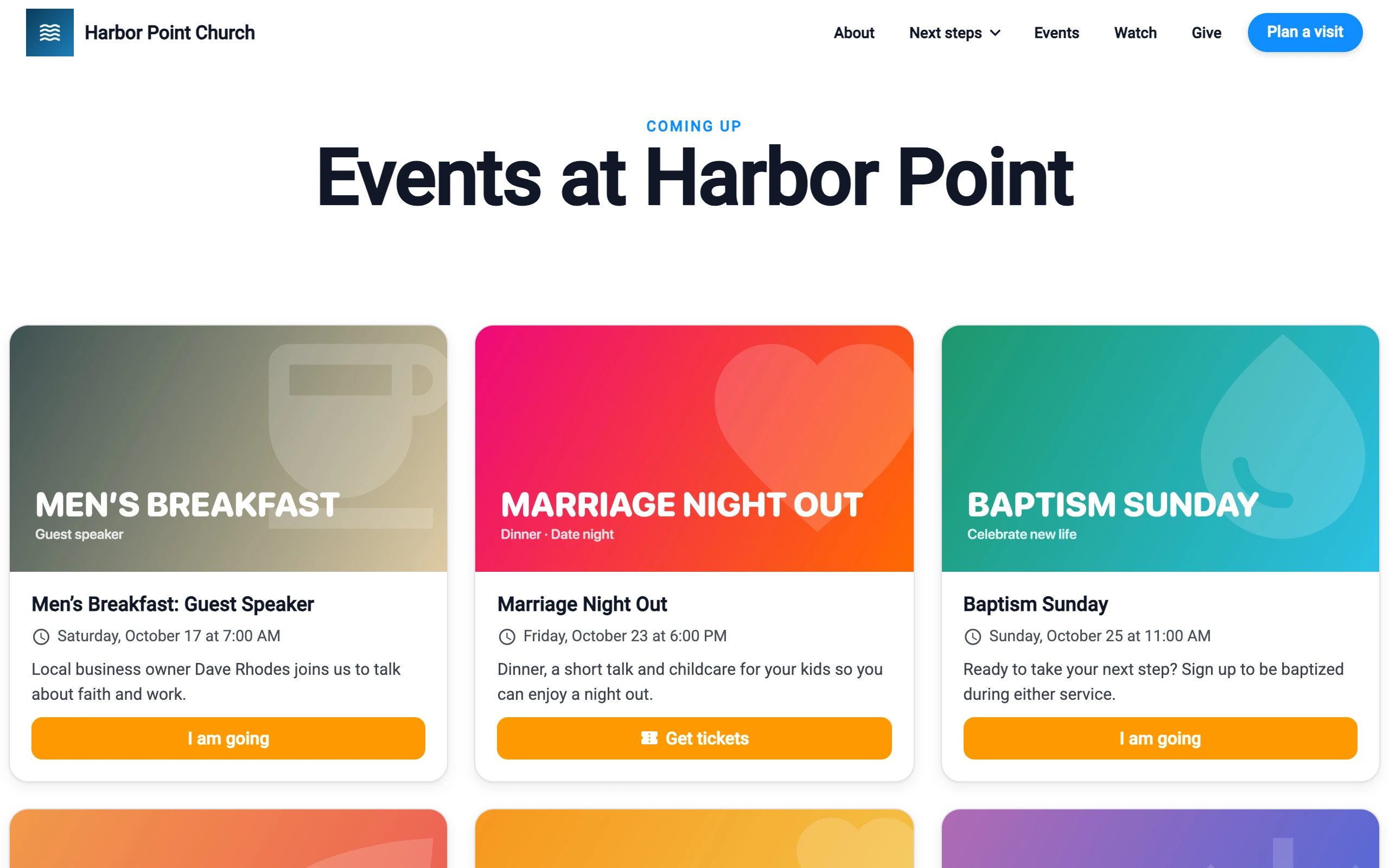
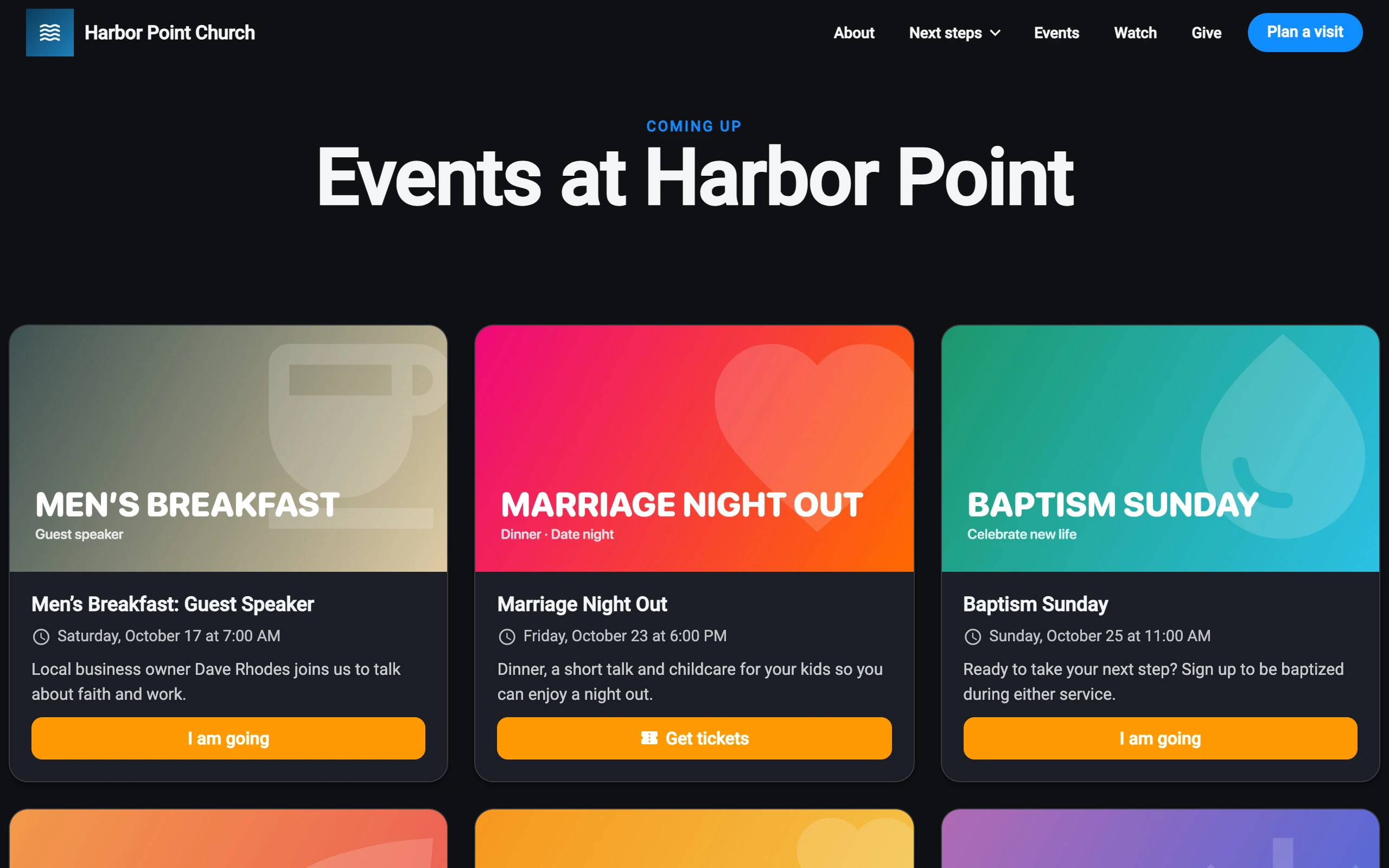
Events on a church website, each with a Get tickets or I am going buttonEvents on a church website, each with a Get tickets or I am going button
Per event or attendee
$0
With Community, for up to 100 members
Free
Card fees at Stripe’s standard rate, with nothing added
Stripe
Before & after

From spreadsheet to a full room

Before

  • A form in one tool, payments in another
  • A spreadsheet of who paid what
  • A fee on every ticket sold
  • A printed list and a pen at the door

With Culminate Life

  • Tickets, forms, and payments in one event
  • Every ticket saved to a person’s record
  • No charge per event or attendee
  • Scan tickets or search names at the door
Set it up

One event, every detail.

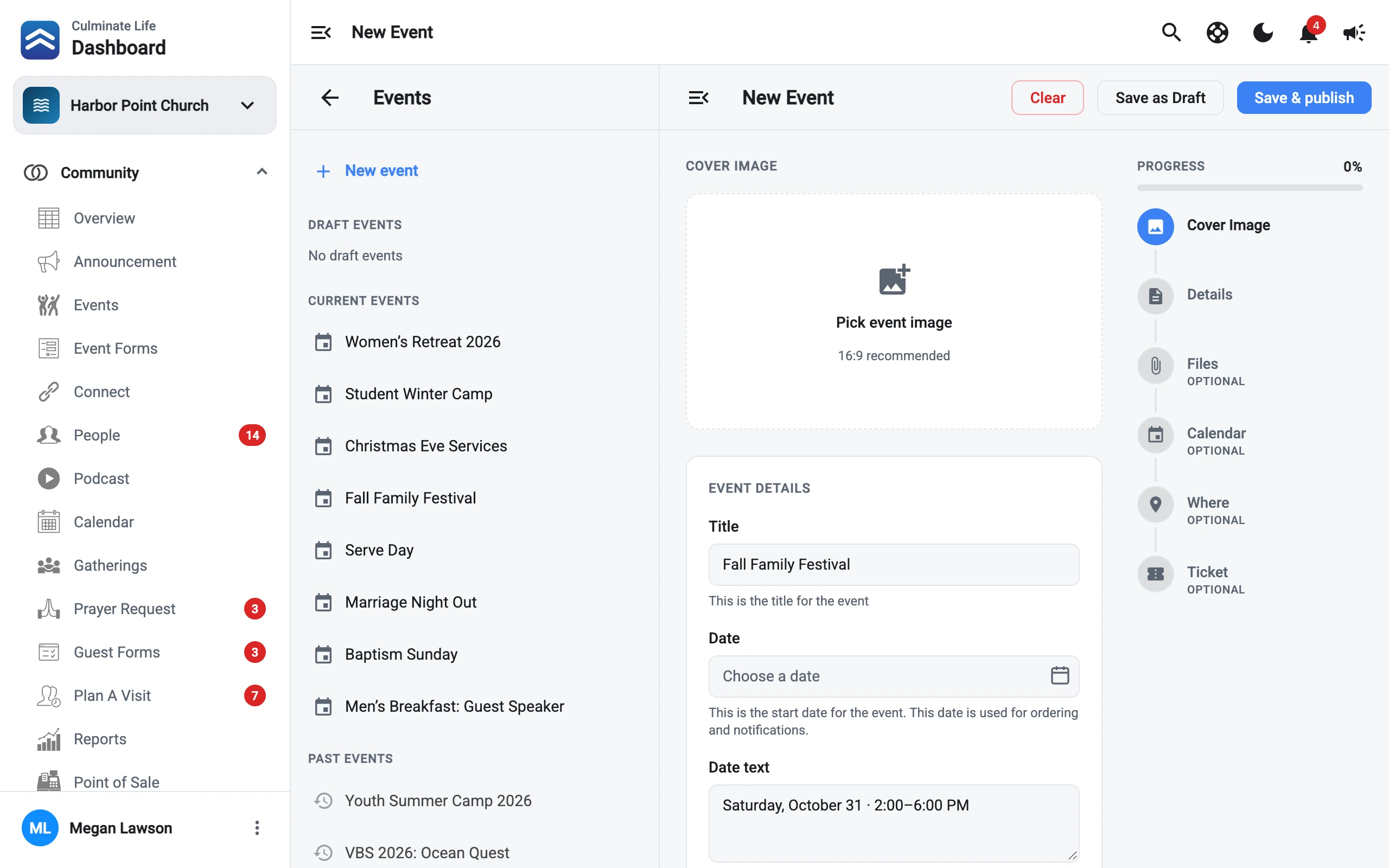
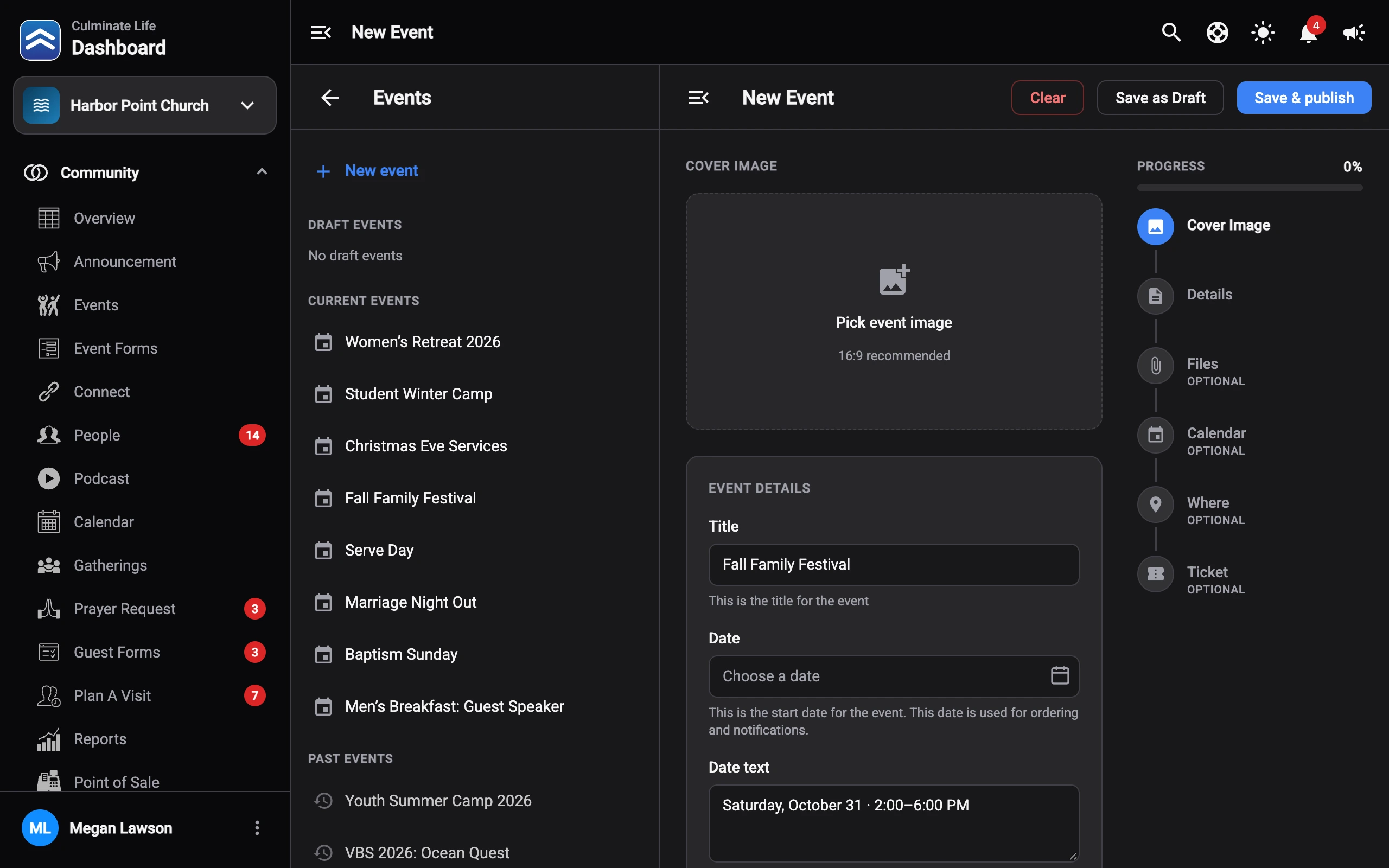
Add a cover image, the date, files, a calendar entry, the location, and tickets. Save it as a draft until it’s ready, then publish.
  • Event forms for the questions you need answered
  • Event pages on your website and in the app
Creating an event in the dashboard: cover image, details, files, calendar, location, and ticket stepsCreating an event in the dashboard: cover image, details, files, calendar, location, and ticket steps
Tickets

Free or paid, your way.

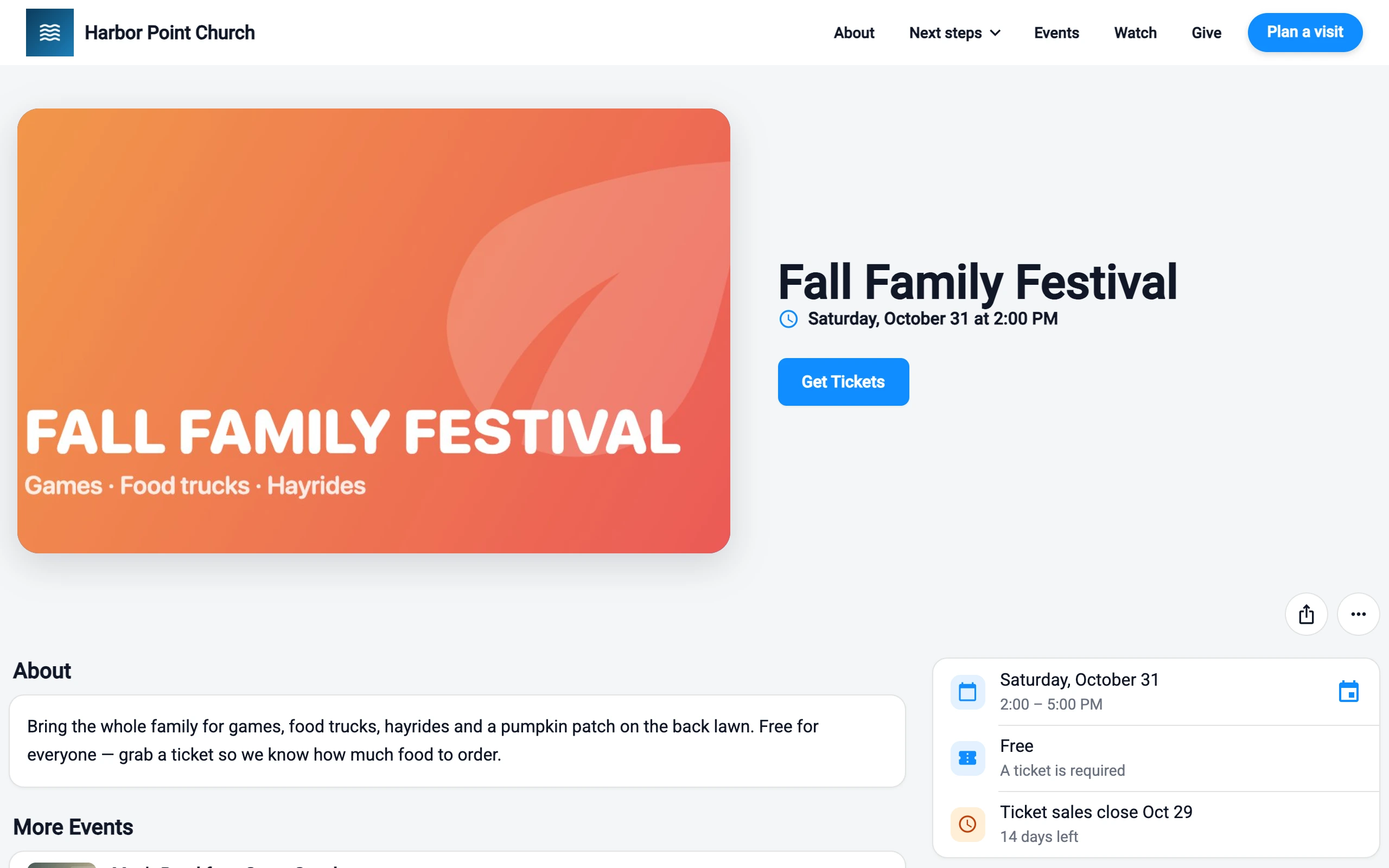
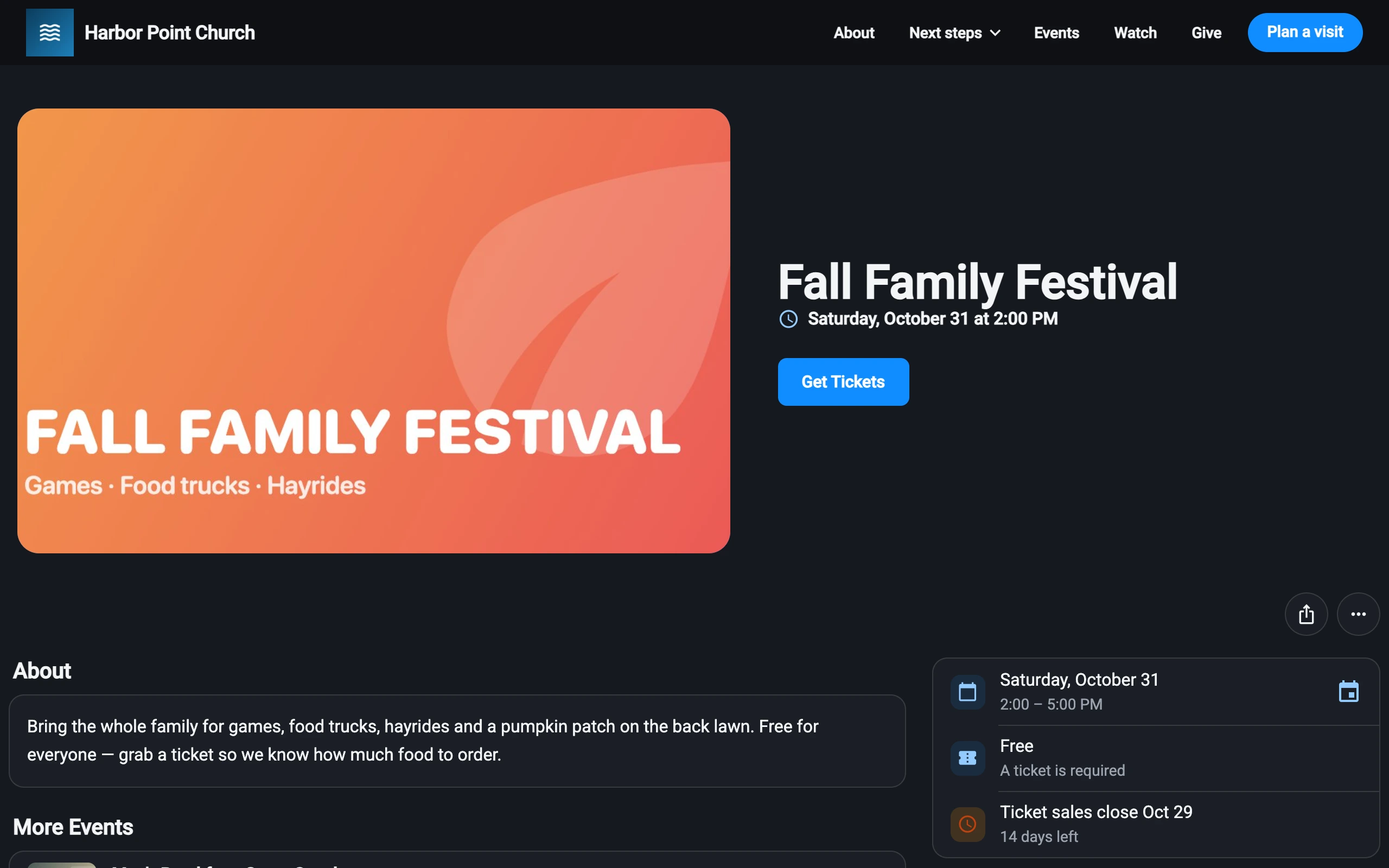
People sign in on your website or in the Culminate Life app to buy, so every ticket lands on their record. One person can buy for a whole family or table.
  • Paper or digital tickets, with seat or table assignment
  • One-time payments, or deposits with installments and reminders
  • Early-bird pricing and discount codes
  • A closing date for ticket sales
  • Or a simple “I am going” when an event doesn’t need tickets
An event page on a church website: Fall Family Festival, free, a ticket is required, ticket sales close October 29An event page on a church website: Fall Family Festival, free, a ticket is required, ticket sales close October 29
At the door

Check in, then keep selling.

Scan tickets or search by name on the Community Portal app. Once online sales close, sell the last tickets from the Community Portal app or the dashboard.
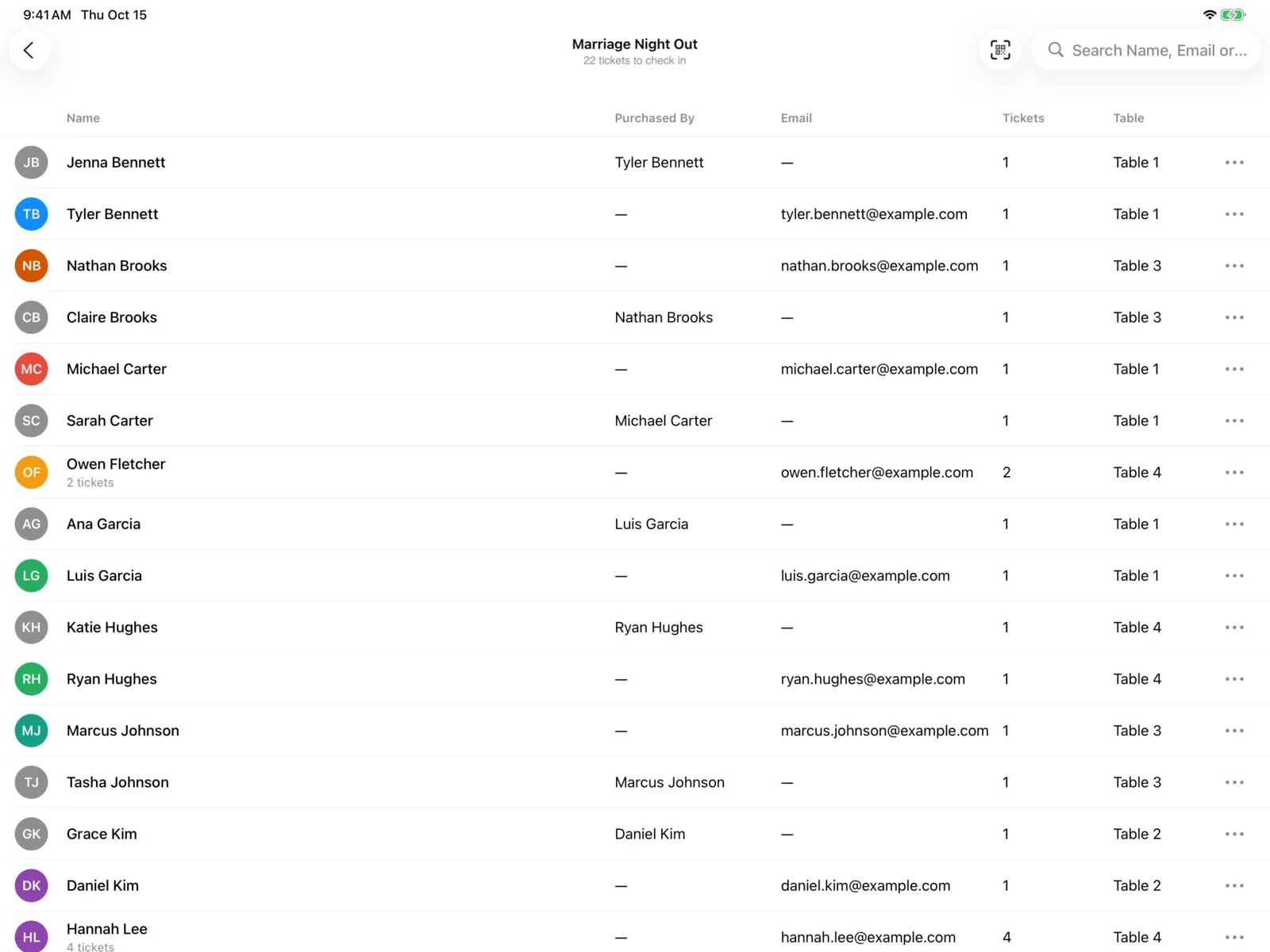
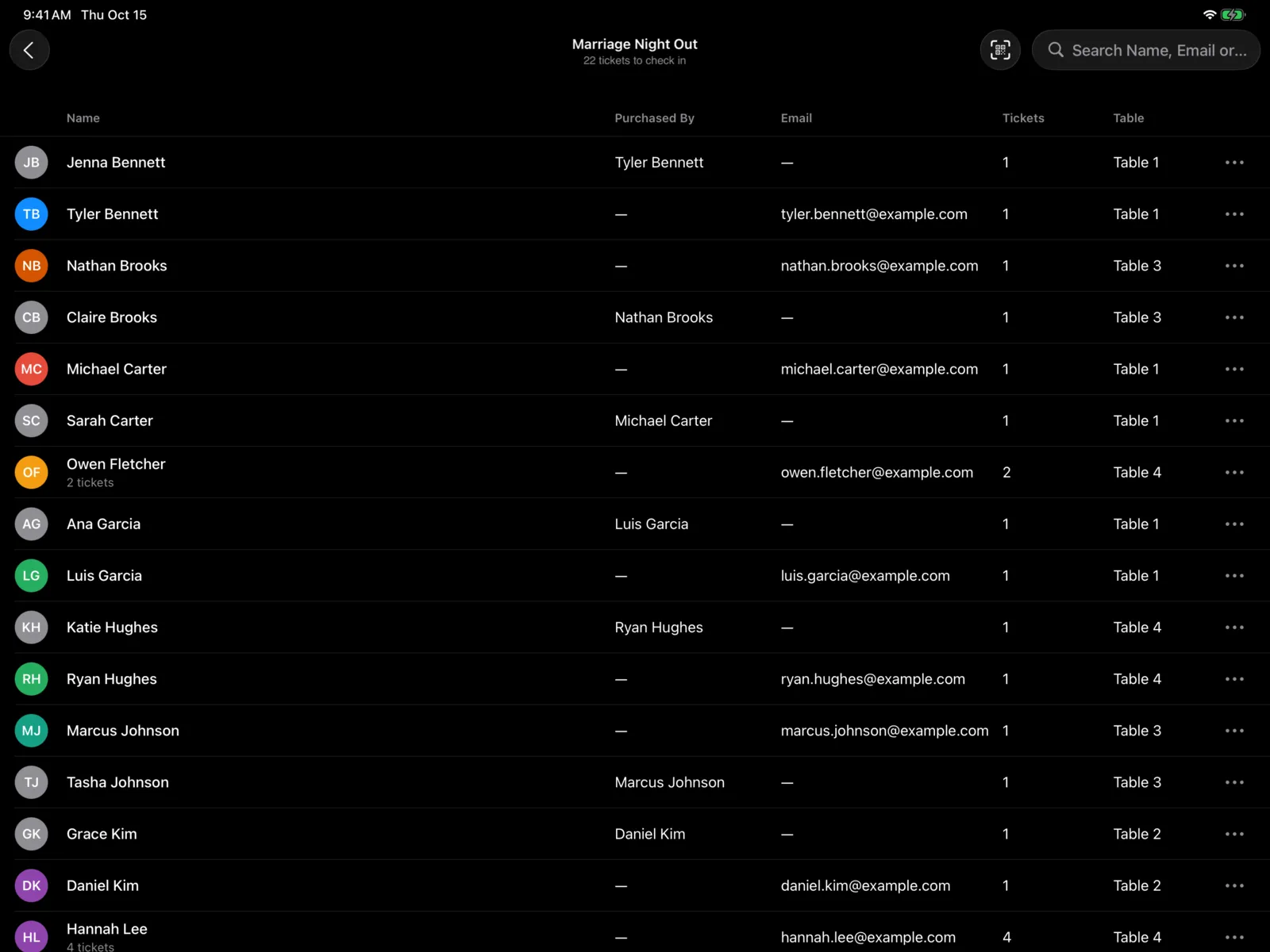
  • See who bought each ticket, and their table
  • Free with Community
Checking in ticket holders for Marriage Night Out on the Community Portal app on an iPadChecking in ticket holders for Marriage Night Out on the Community Portal app on an iPad
And there’s more

Handy on the day

  1. Refunds

    Admins refund a paid ticket from the dashboard.

  2. Food and merch

    Point of sale runs your café or merch table on an iPad.

  3. Ticketed video

    Put a recording behind a ticket with Video on demand.

  4. Crew on headsets

    Intercom puts your event staff in each other’s ears on their phones.

How it works

An event, start to finish

  1. Create it

    Details, tickets, and a form in the dashboard.

  2. Sell tickets

    On your website and in the app.

  3. Open the doors

    Scan tickets on the Community Portal app.

Works well with

Every solution shares the same people records, so they work as one.

FAQ

Good questions

What does it cost to run an event?

Events come with Community, which is free for up to 100 members. There’s no charge per event or attendee.

What are the card fees on paid tickets?

Stripe processes paid tickets at its standard rate, and we add nothing on top.

Do people need an account to buy a ticket?

Yes. They sign in on your website or in the Culminate Life app, so each ticket is saved to their record.

Can people pay in installments?

Yes. Take a deposit, then the rest in installments, with reminders.

Can we sell tickets at the door?

Yes. Once online sales close, sell tickets from the Community Portal app or the dashboard.

Can we refund a ticket?

Yes. Admins refund paid tickets from the dashboard.

Your next event, sorted.

Start free with Community.