 Culminate Life
Community
The people records Check-in runs on, plus guest forms and events.
Explore Community
Parents register once, check in with a QR code, and only they can pick up.
Before
With Culminate Life
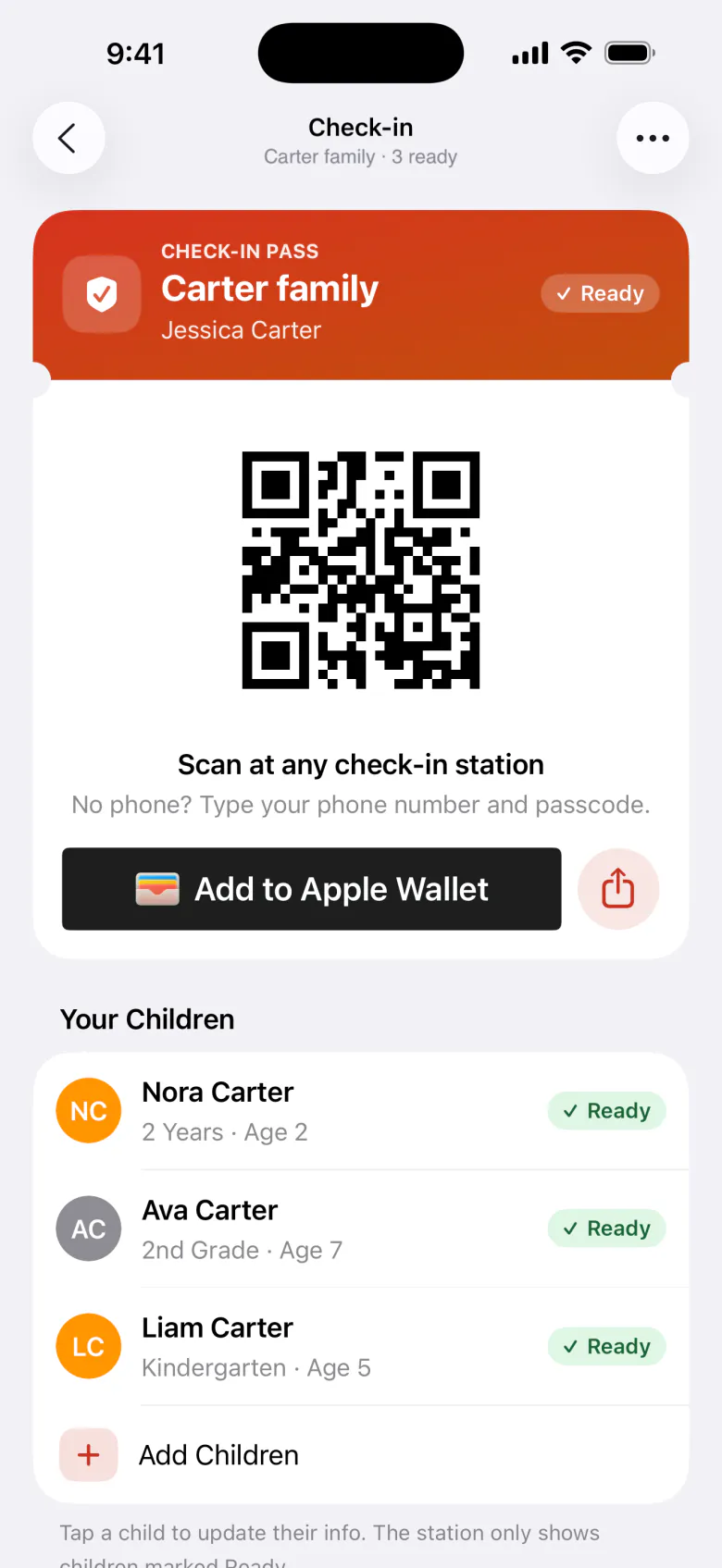
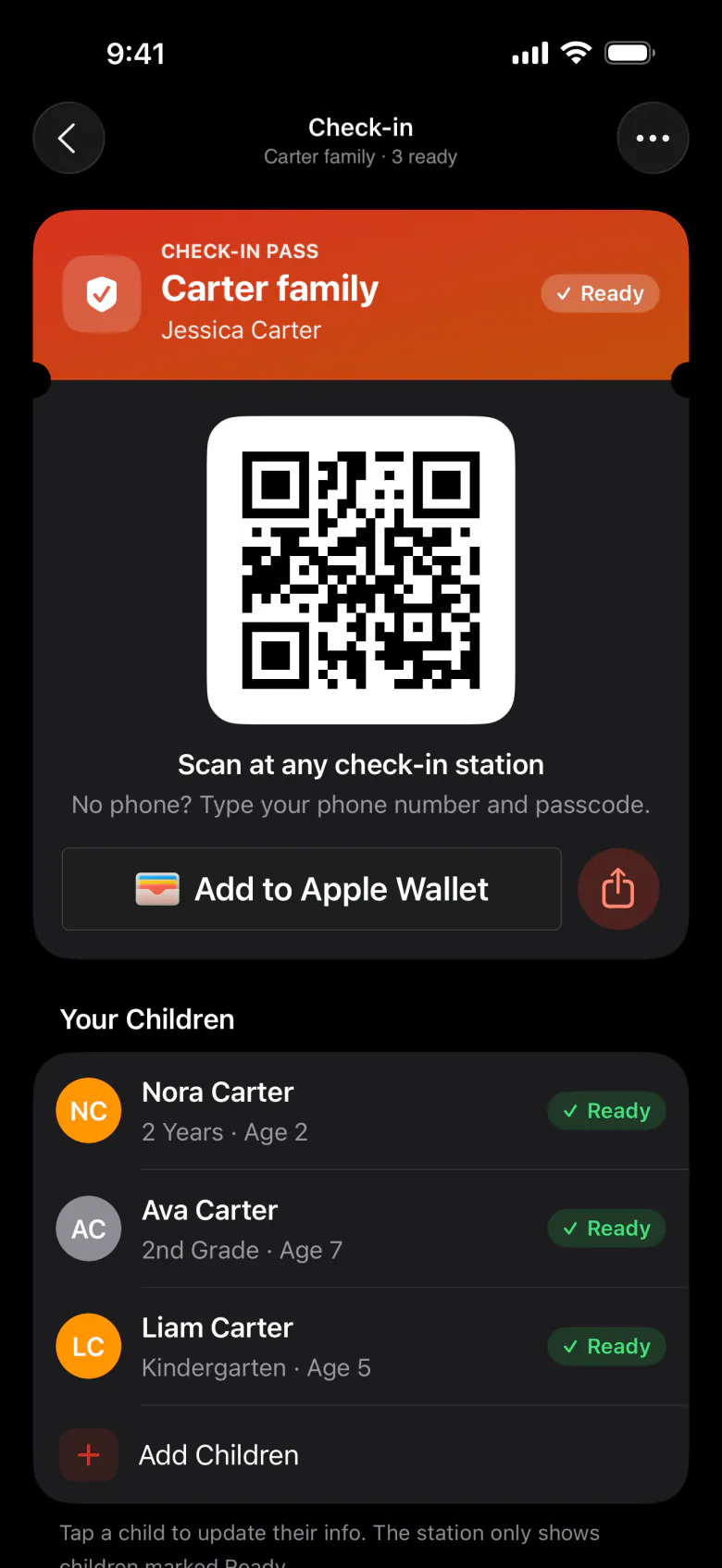
Parents add their children once in the app or on your website, and can update the details any time.
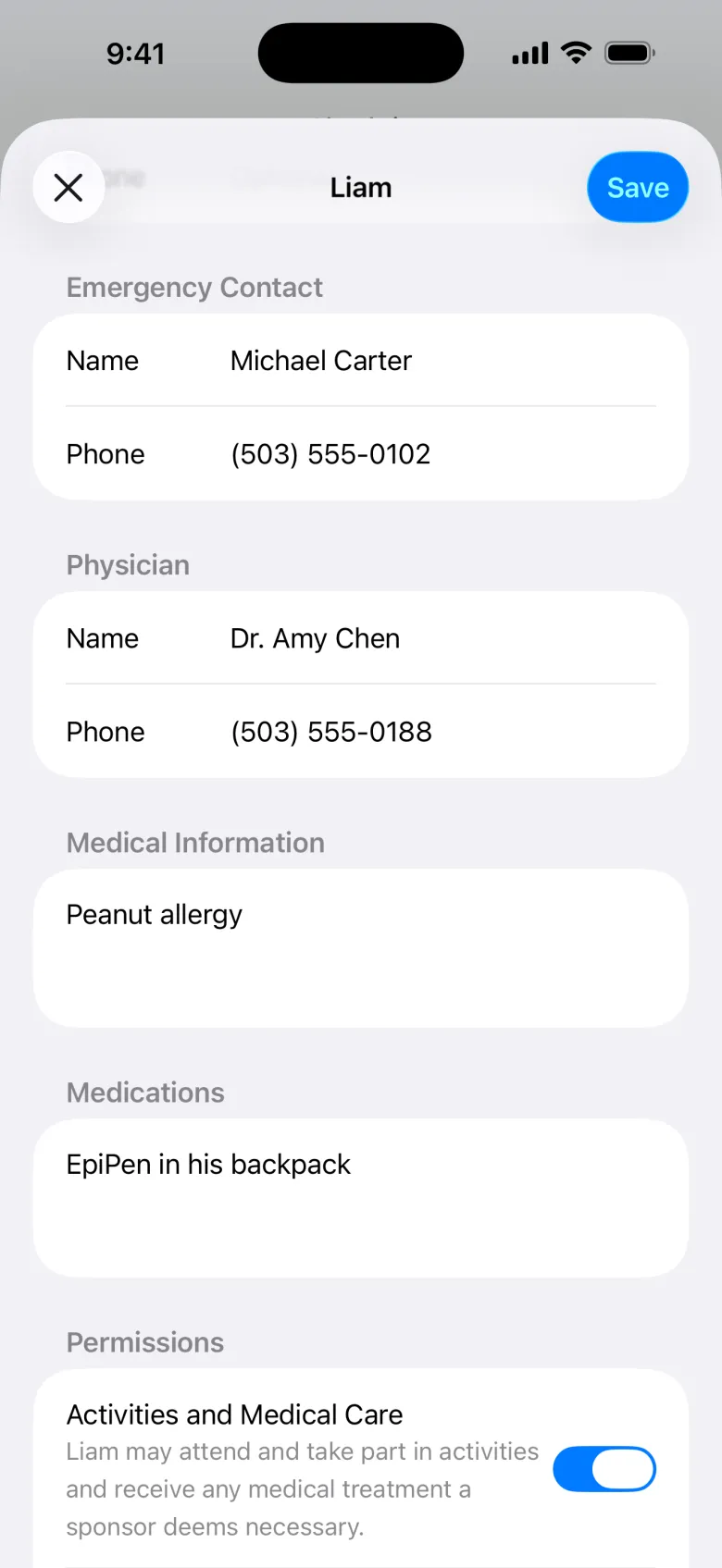
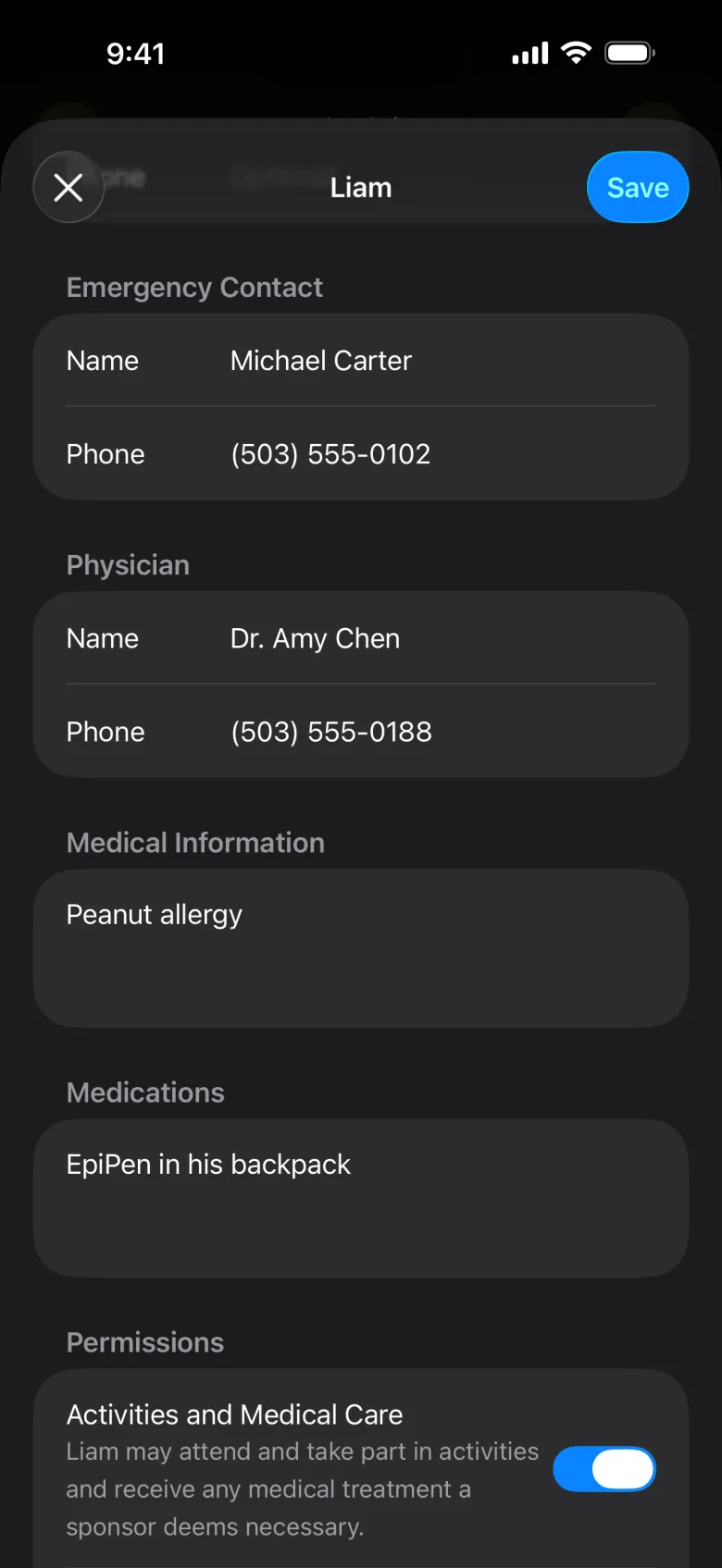
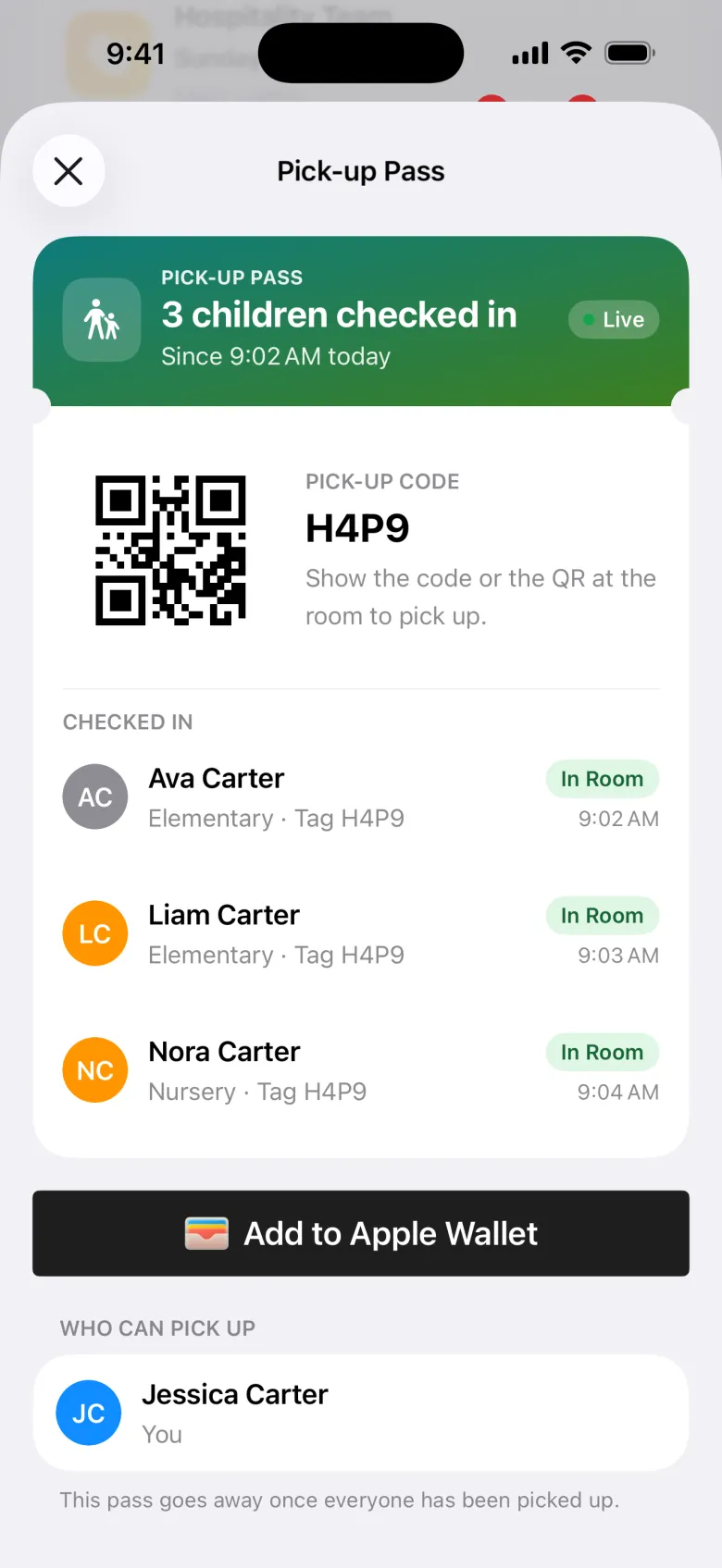
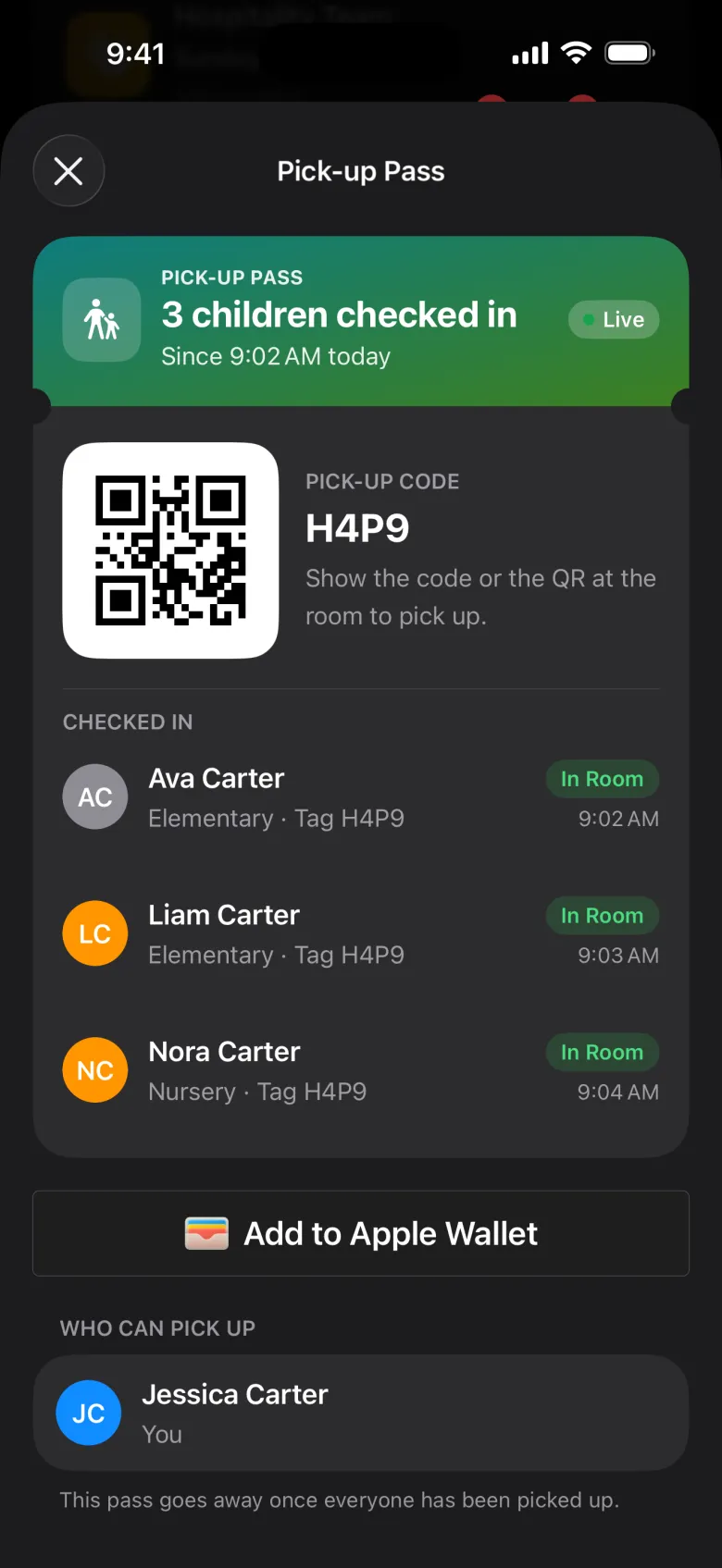
Every check-in creates a one-time checkout code that can’t be duplicated, so a child stays put until their grown-up arrives.
Two-color printing on Brother label printers puts emergency numbers and allergy or medical notes in red, where leaders can’t miss them.
Emergency Contact: (555) 555-5555
VJJW
Check-In Portal App
Parents use it for self-service check-in. Leaders use it to welcome new families, manage who’s in the room, and run checkout.
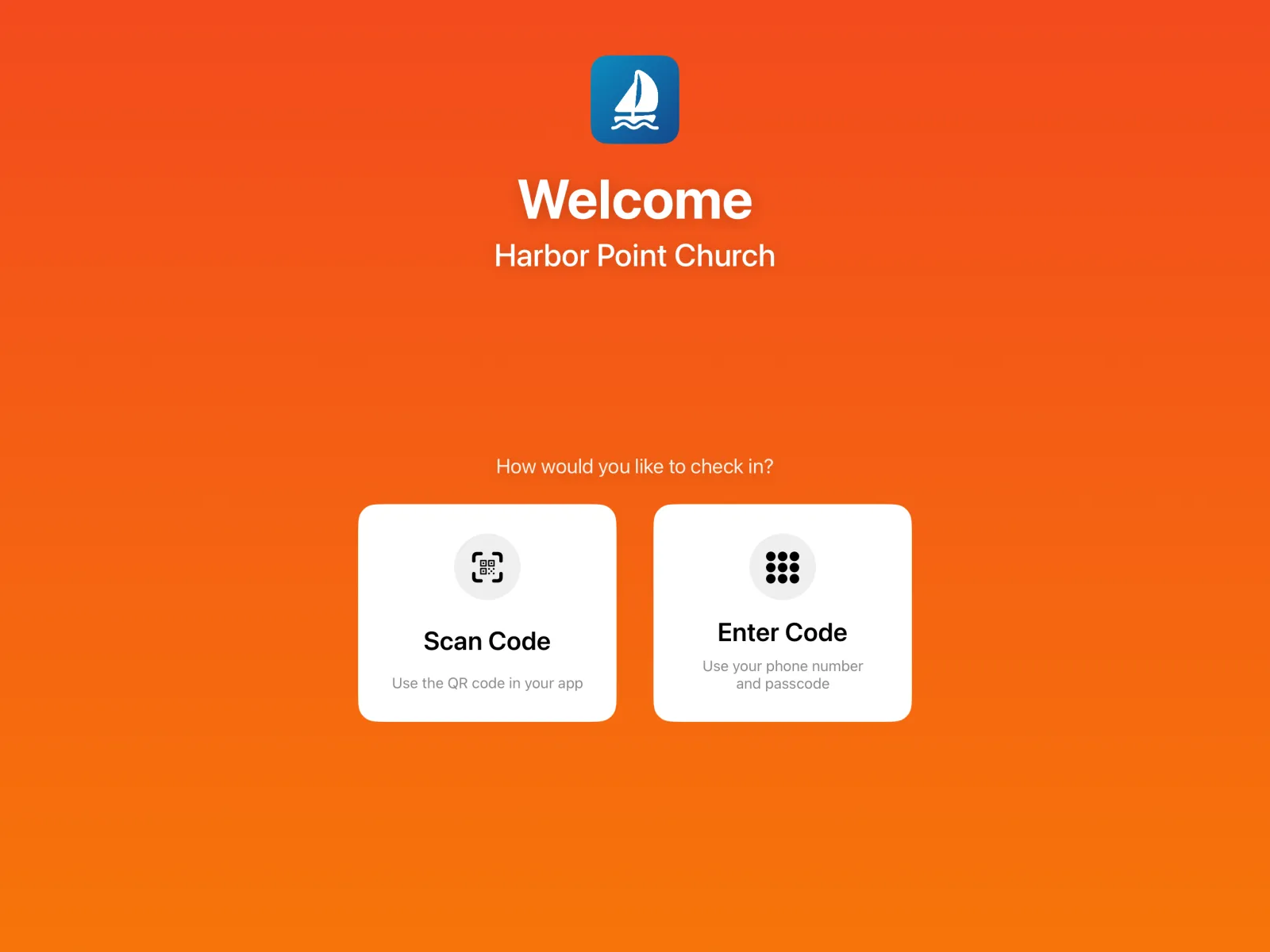
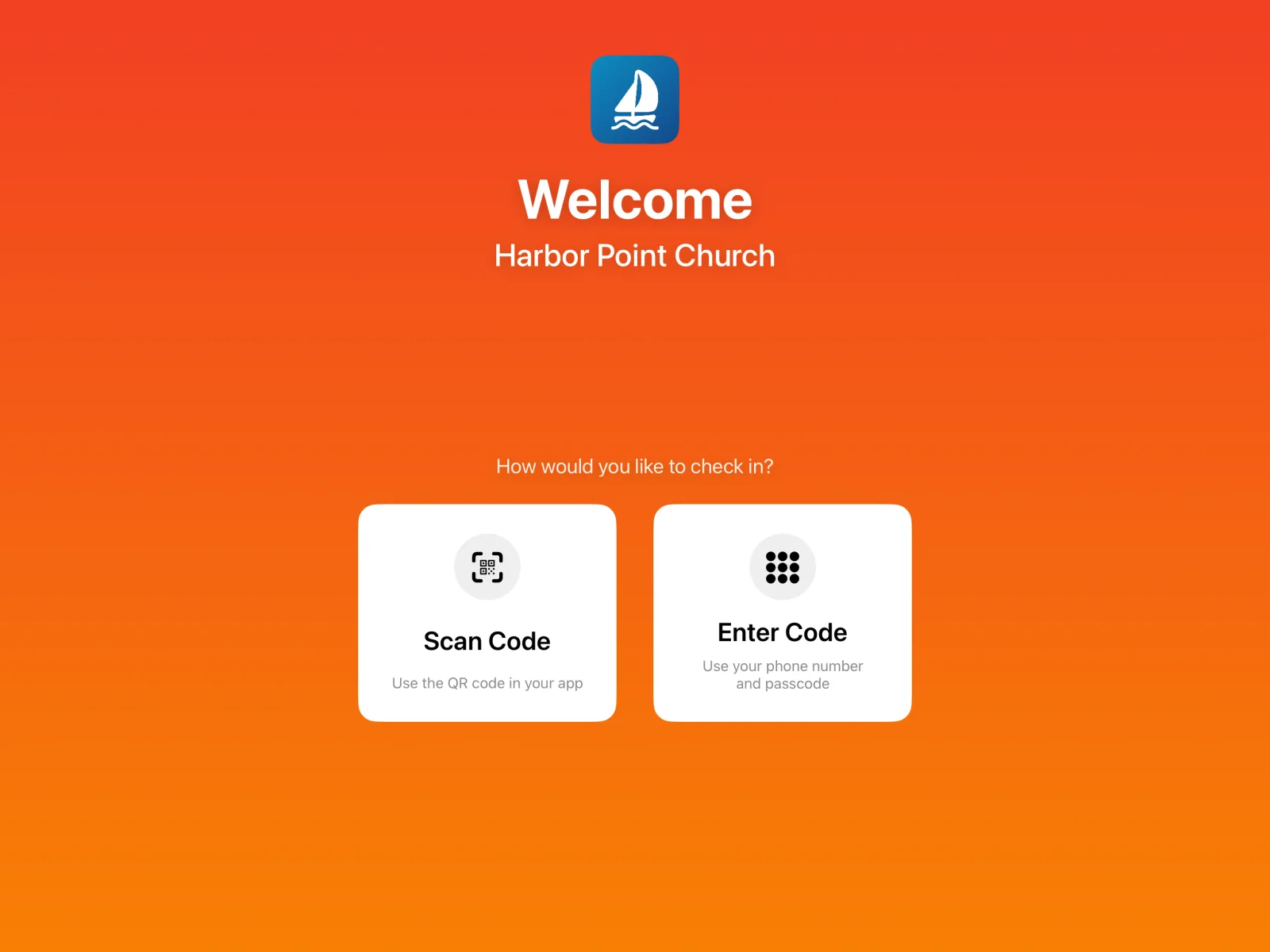
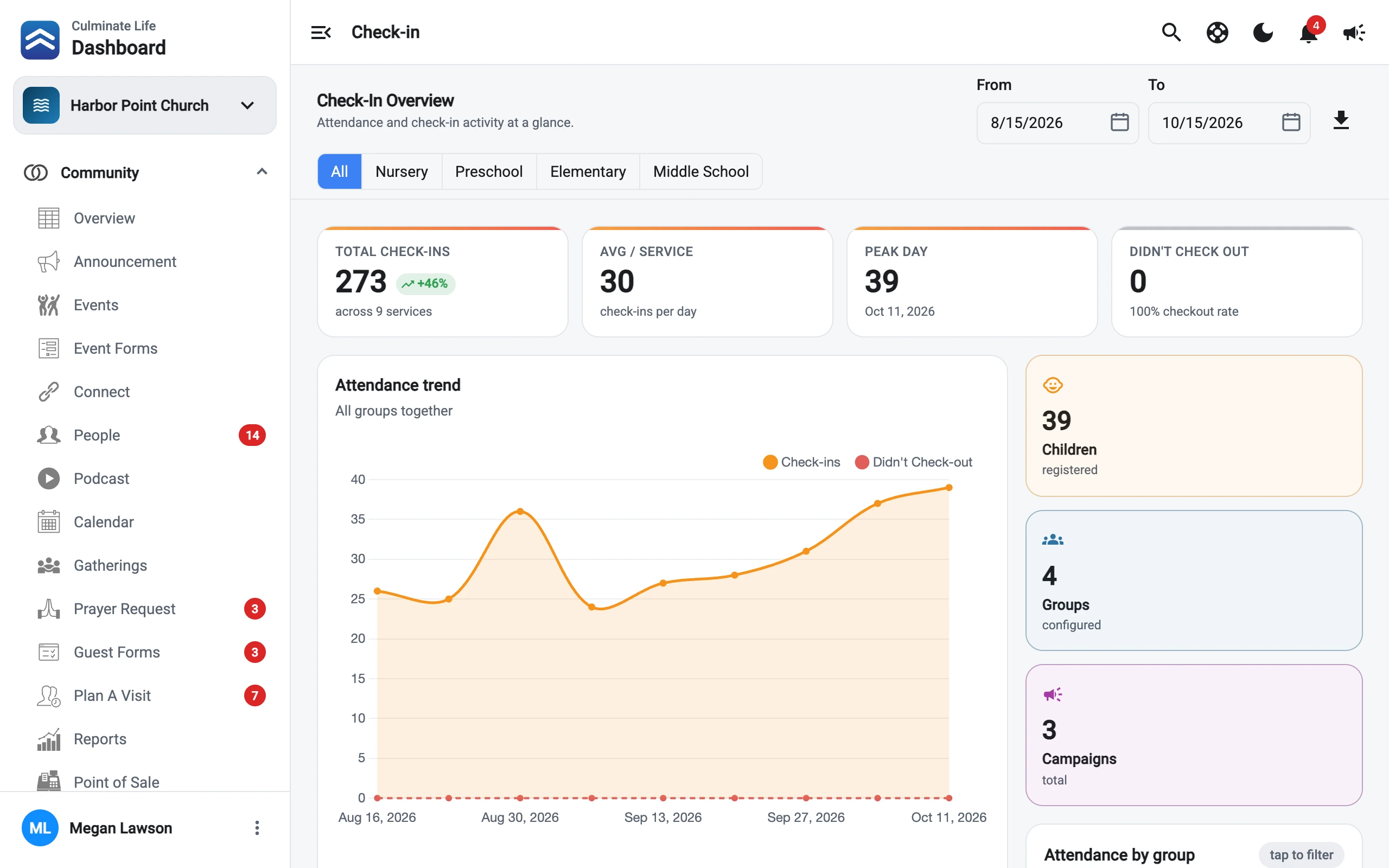
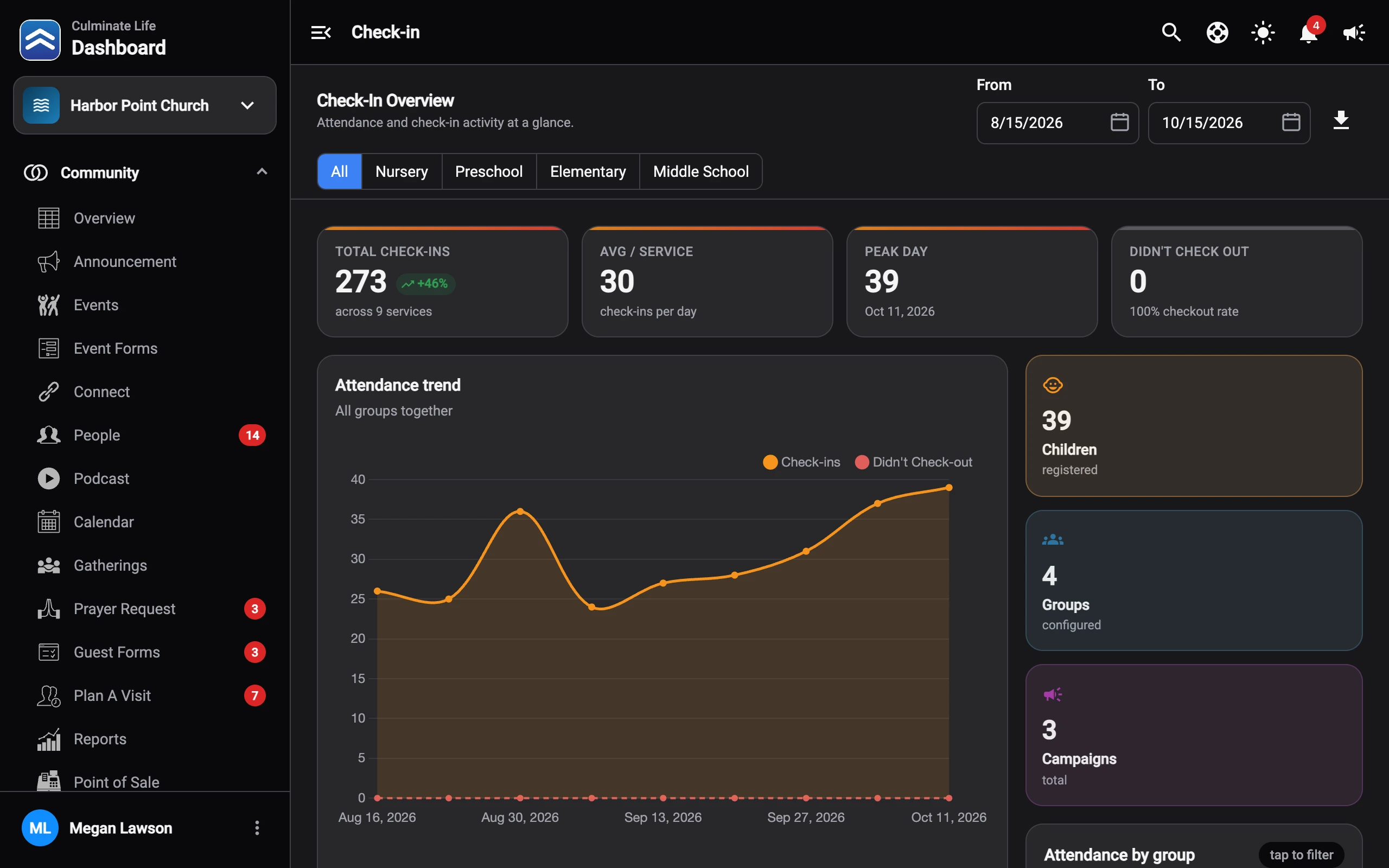
Who is checked in, what time they arrived, and which parent checked them in.
View and update parent and child information from the dashboard.
Look up the attendance history for any child or student.
See attendance patterns over time.
Track attendance for youth groups with Connect sub-groups, not just kids’ rooms.
Check-in runs on the same people records as Community, so nothing is typed twice.
Families add their children once, in the app or on your website.
Scan the QR code at the Check-In Portal and the label prints.
Only the parent has the one-time code to check their child out.
Every solution shares the same people records, so they work as one.
The people records Check-in runs on, plus guest forms and events.
Explore Community
Attendance, messaging, and polls for every small group.
Explore GroupsHow churches use Check-in from the first visit to pickup.
Read the guideLeaders print a temporary label for first-time guests right from the Check-In Portal App, so new families get through quickly.
Yes. Parents choose who can check in and pick up their children, and can invite a second parent or grandparent to share the same settings.
A device running the Check-In Portal App and a label printer. We partner with Brother for two-color labels. A 2D scanner speeds up checkout but isn’t required.
Yes. Use Connect sub-groups to track attendance for youth and students, with one-tap self check-in or leader-led check-in.
Check-in has a free tier for smaller organizations, and the price steps up with the size of your organization. Subscribe to two or more solutions and you save on your monthly bill.
Start free today, or read the Knowledge Hub to see setup step by step.