 Culminate Life
Community
Groups share the same people records.
Explore Community
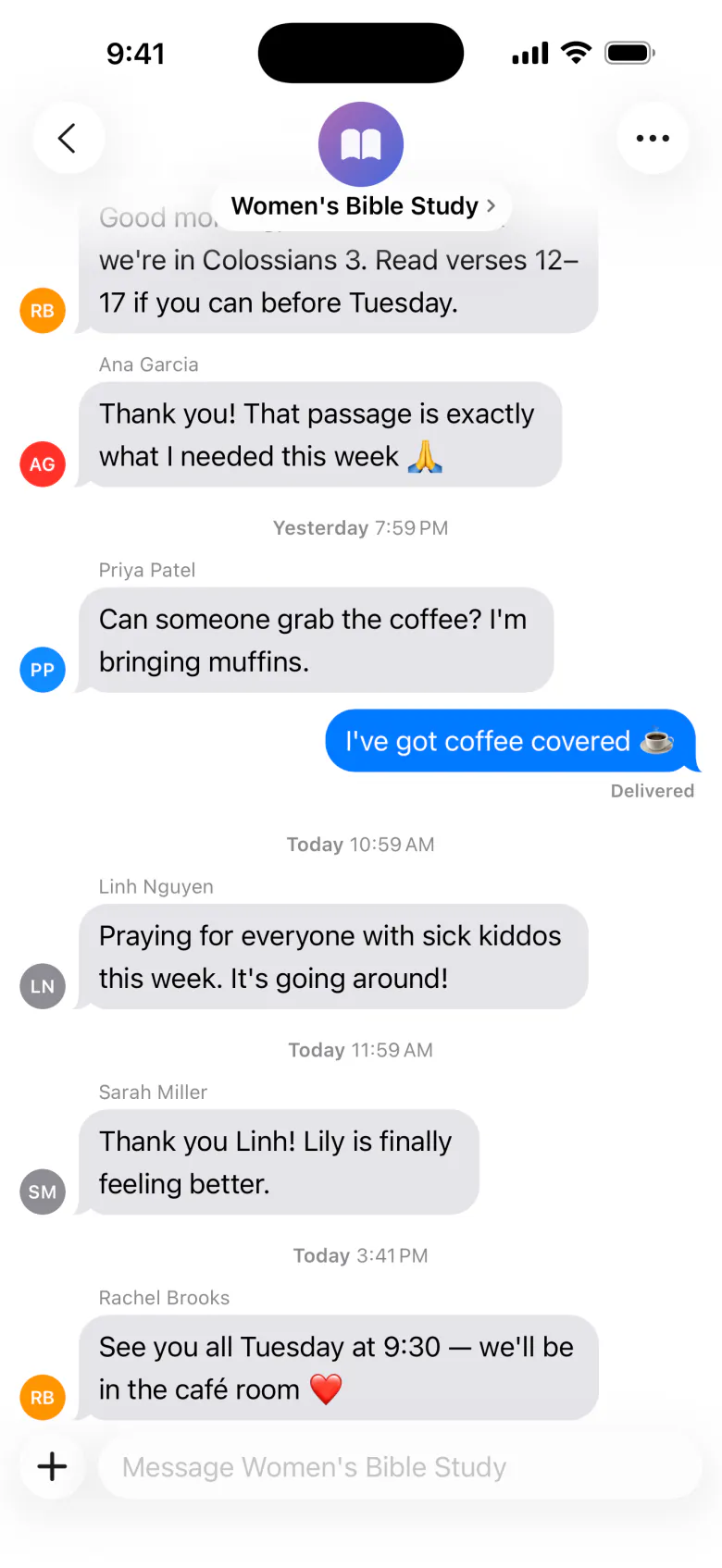
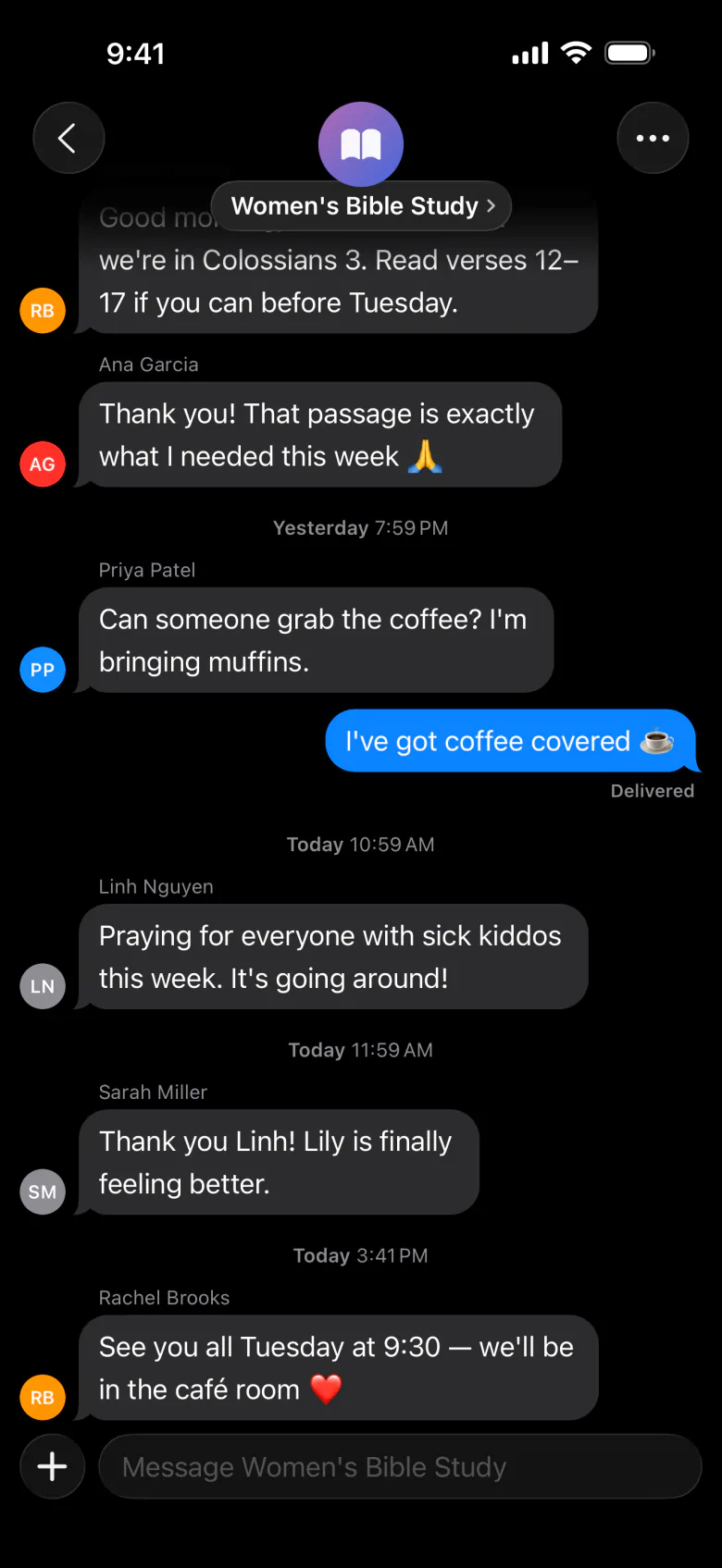
Every group gets its own space in the app — messages, attendance, polls, and files — with leaders in charge.
| Before | With Culminate Life |
|---|---|
| Group chats scattered across apps | Messages with polls, lists, images, and PDFs in one app |
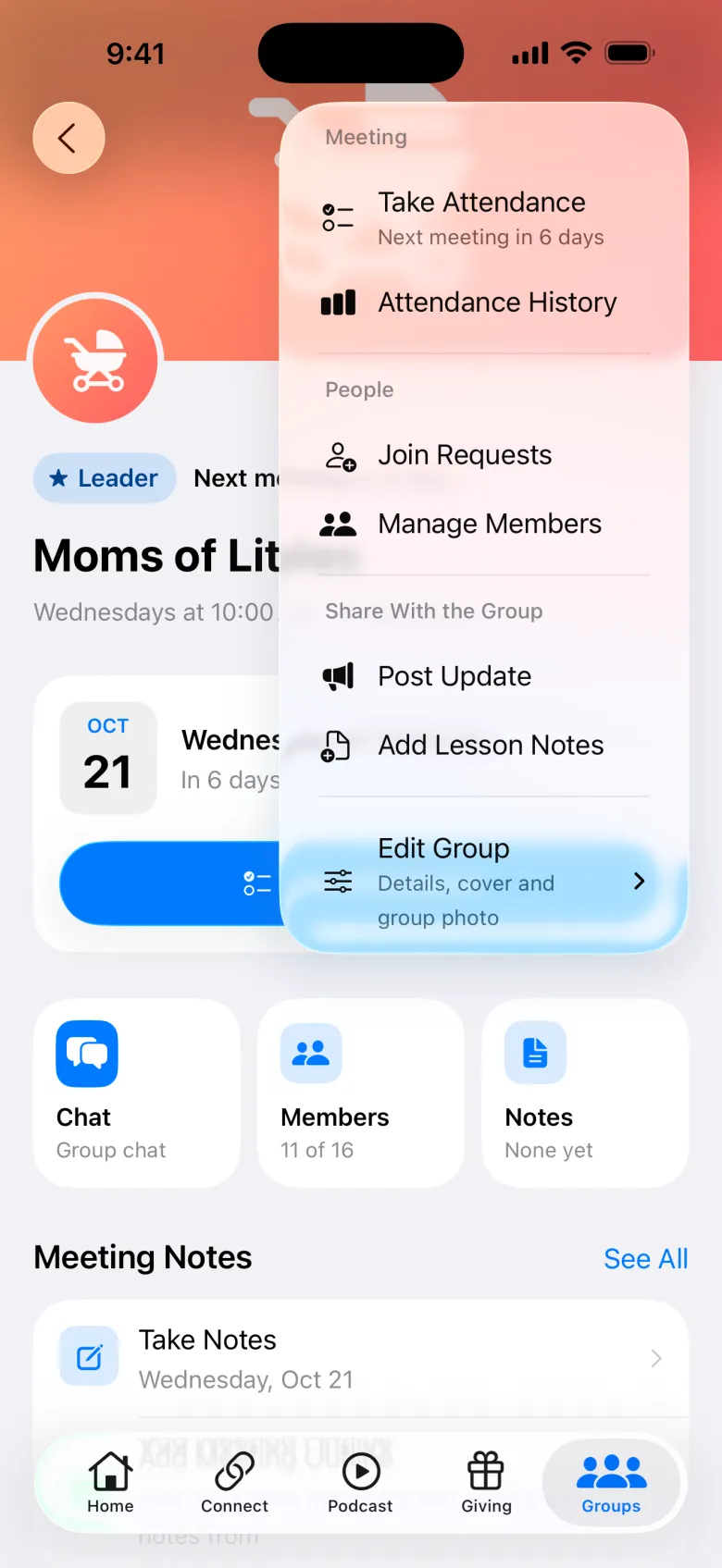
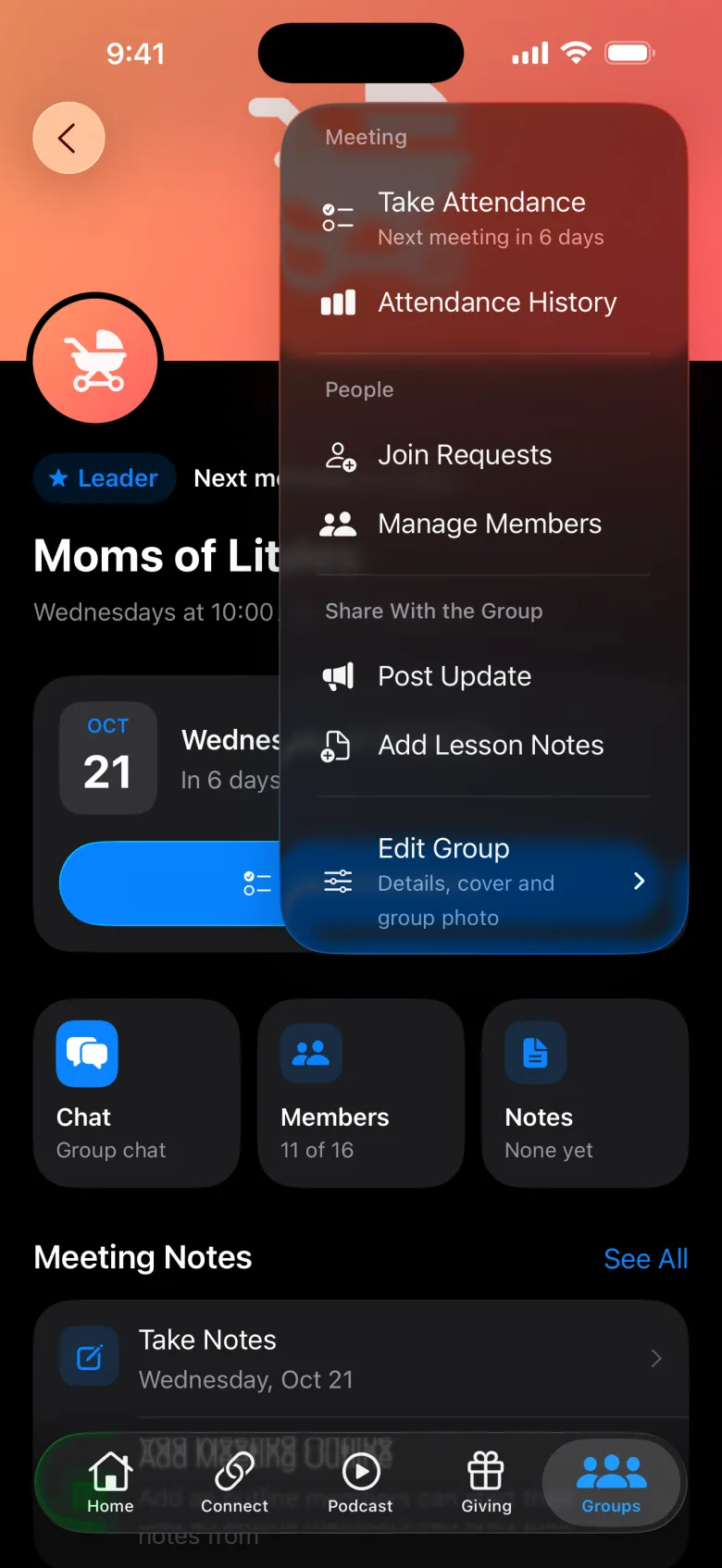
| Attendance on paper, or not at all | Leaders take attendance from their phone |
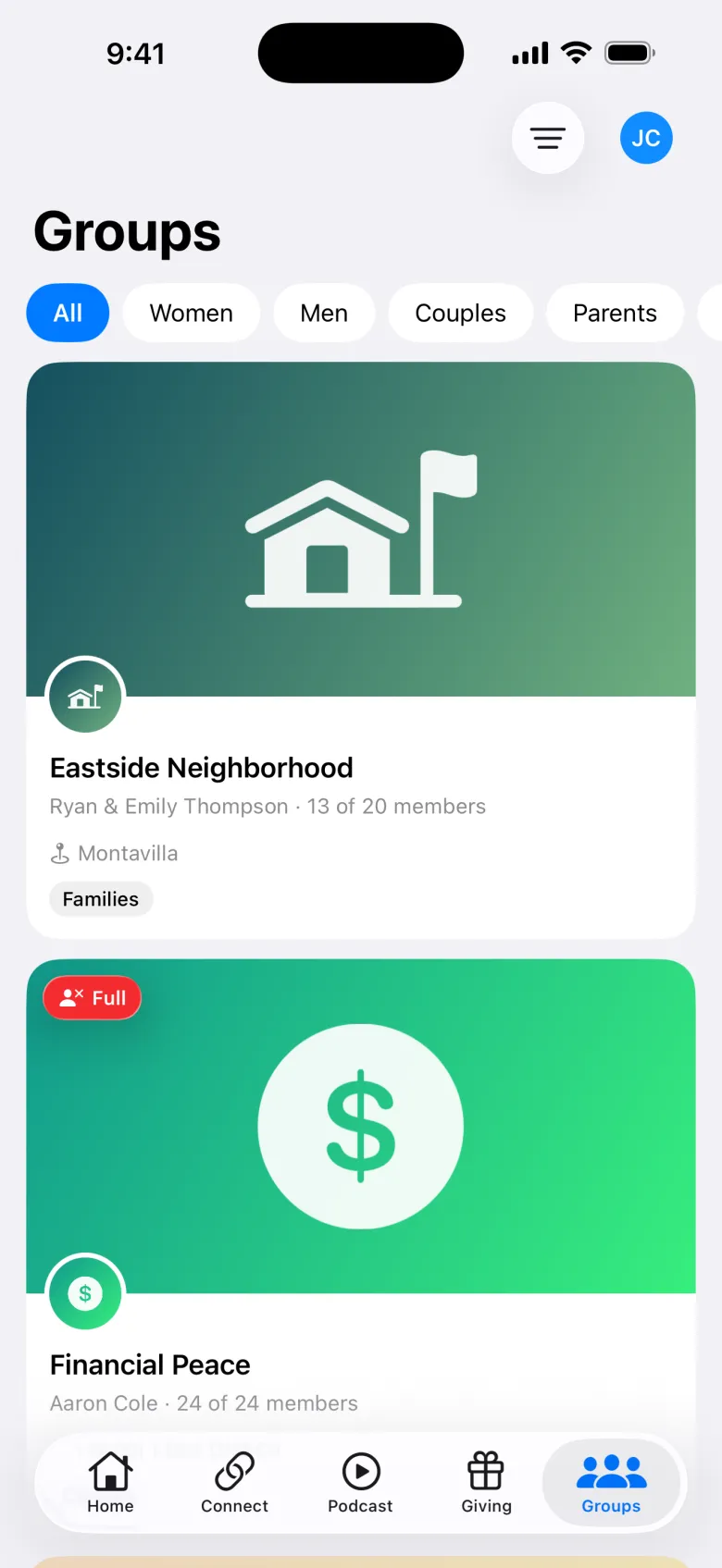
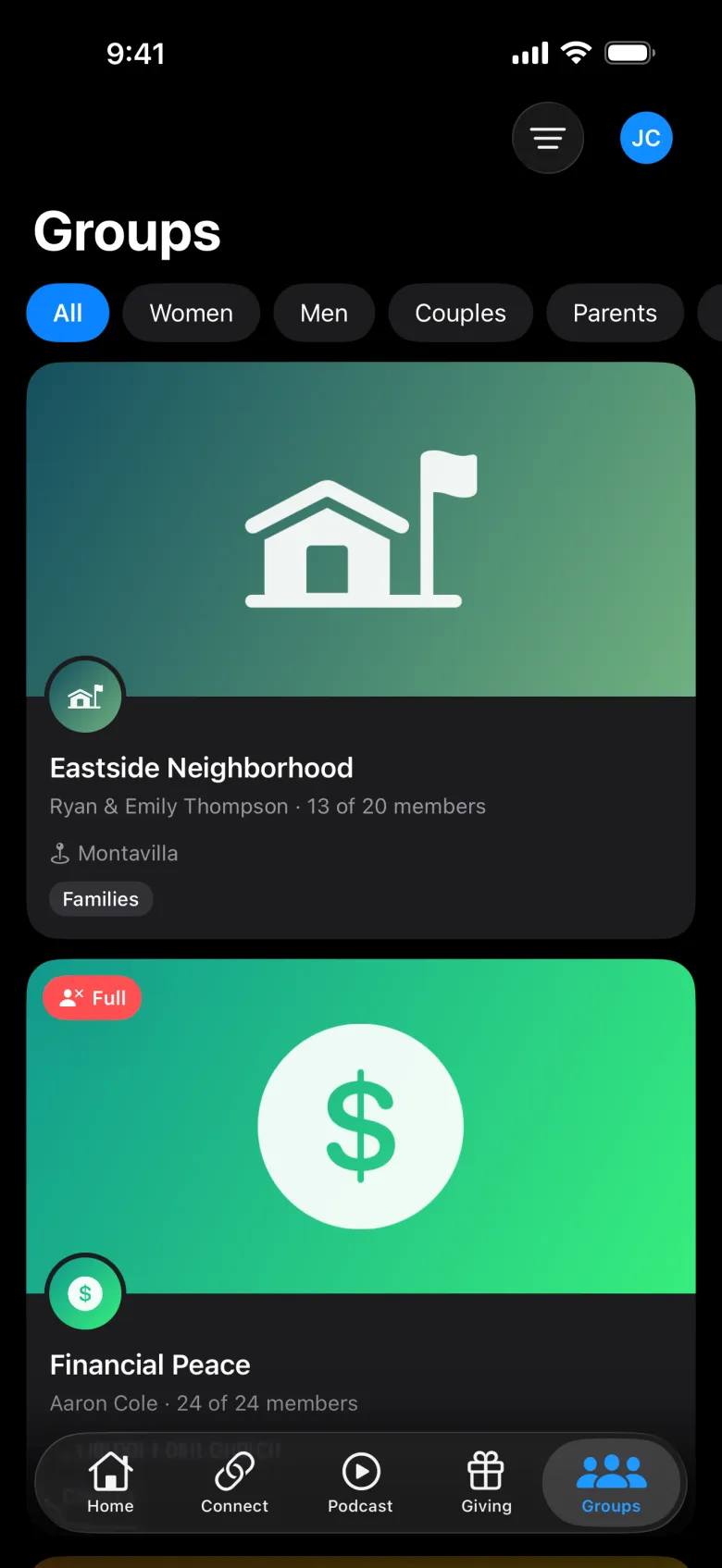
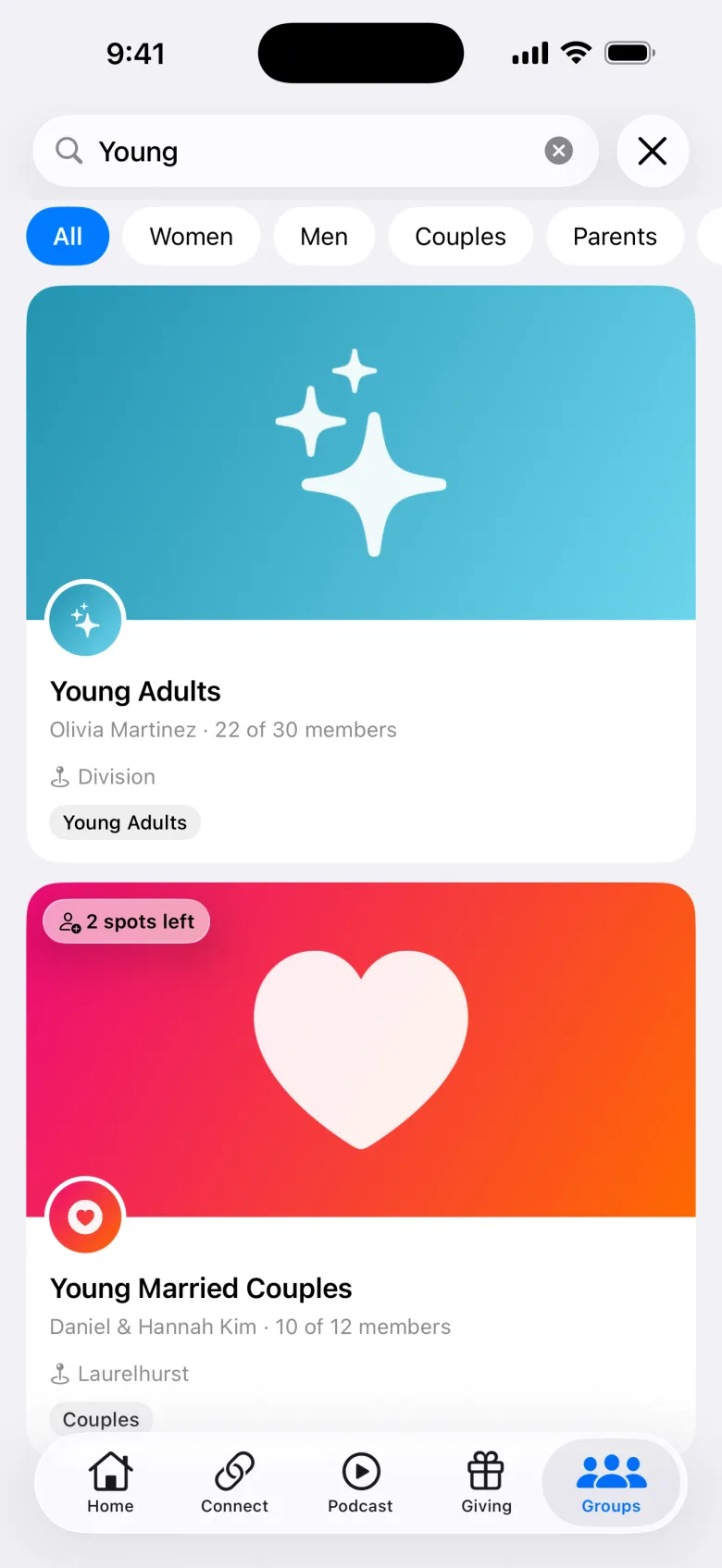
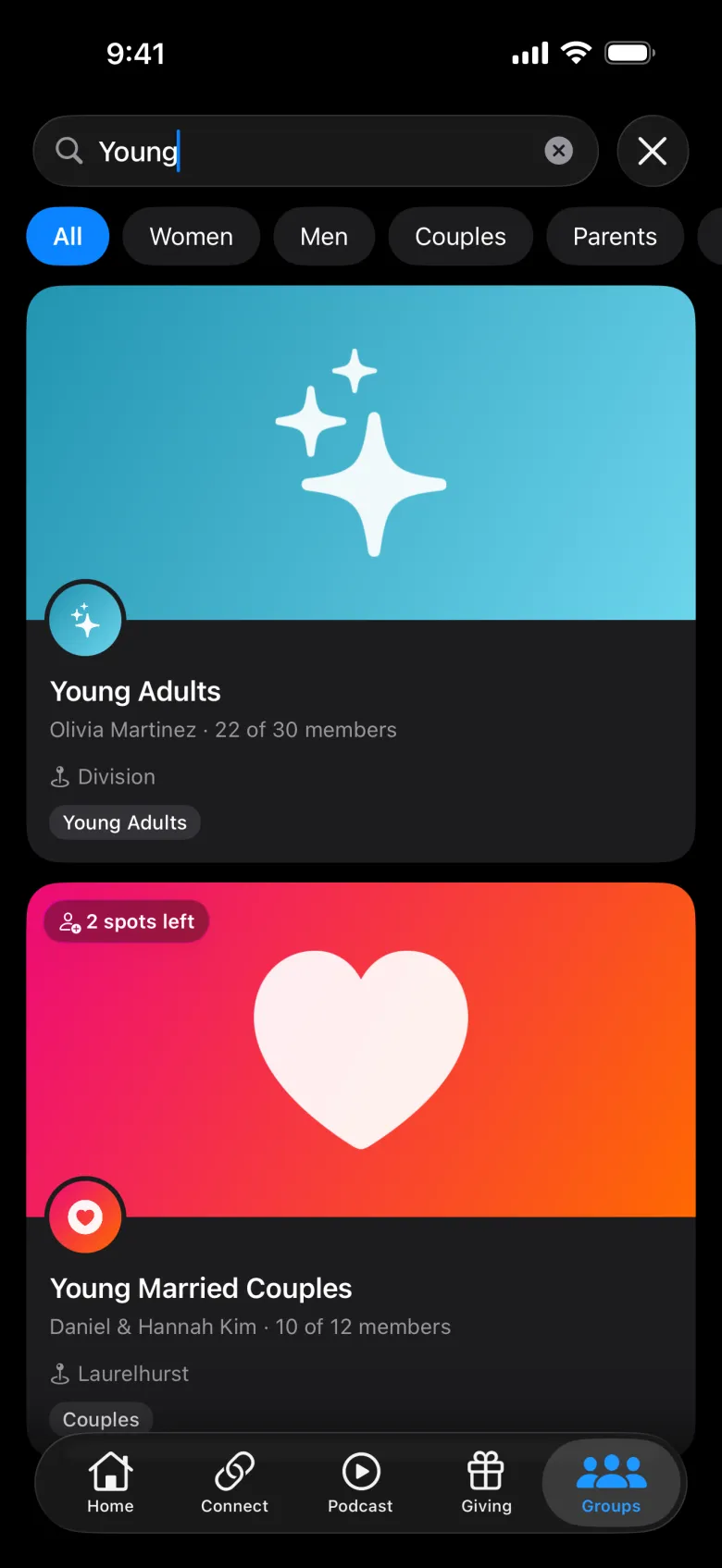
| Nobody knows which groups exist | People find groups by category, name, or leader |
| Leaders juggling several tools | One app for every leader tool |
Three things every group needs, right in the member app.
Big church. Small circles.
Groups keeps people known by name as you grow.
Add, remove, and manage members, set permissions, and see what each group is doing.
Choose who leads each group and what they can do.
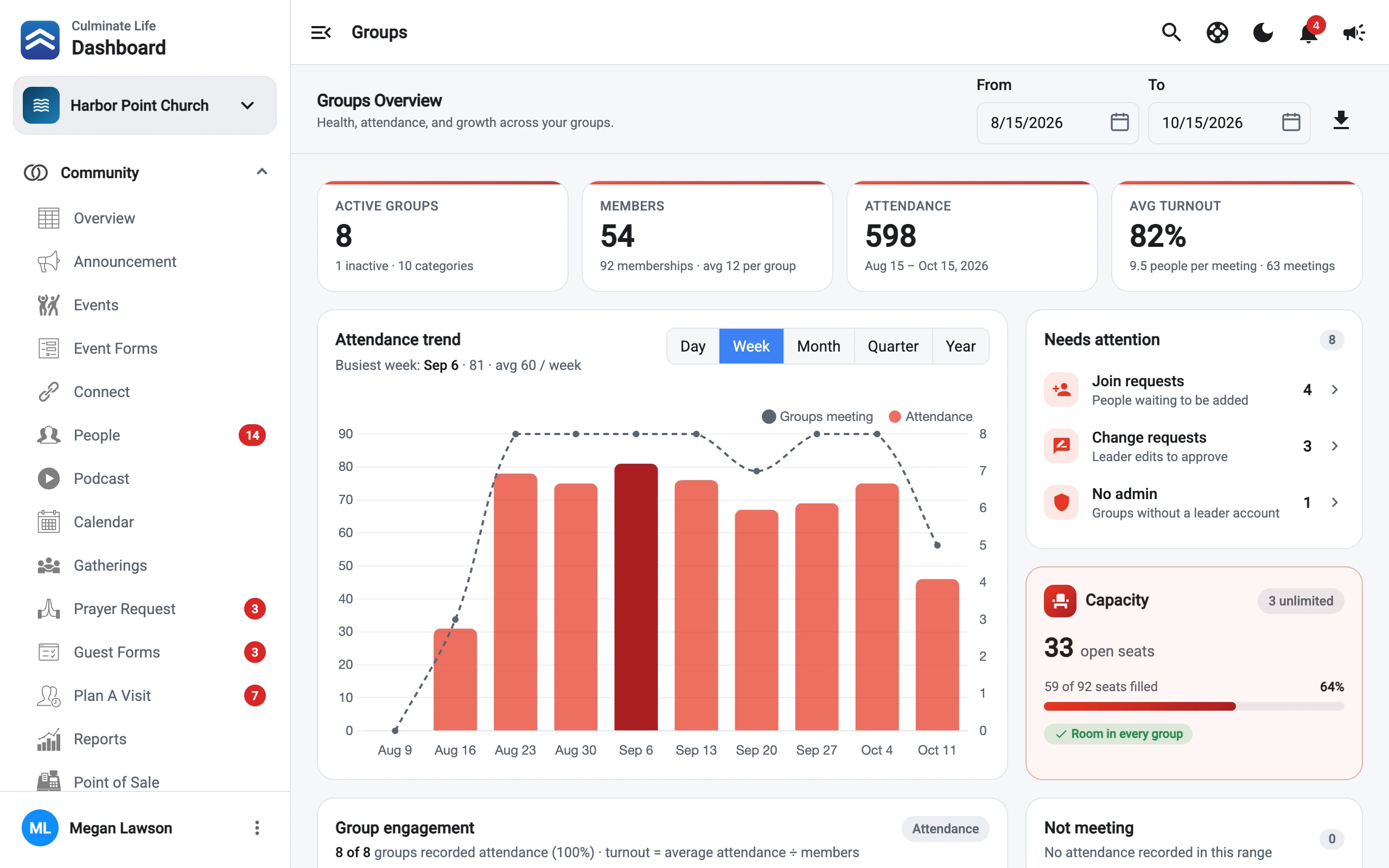
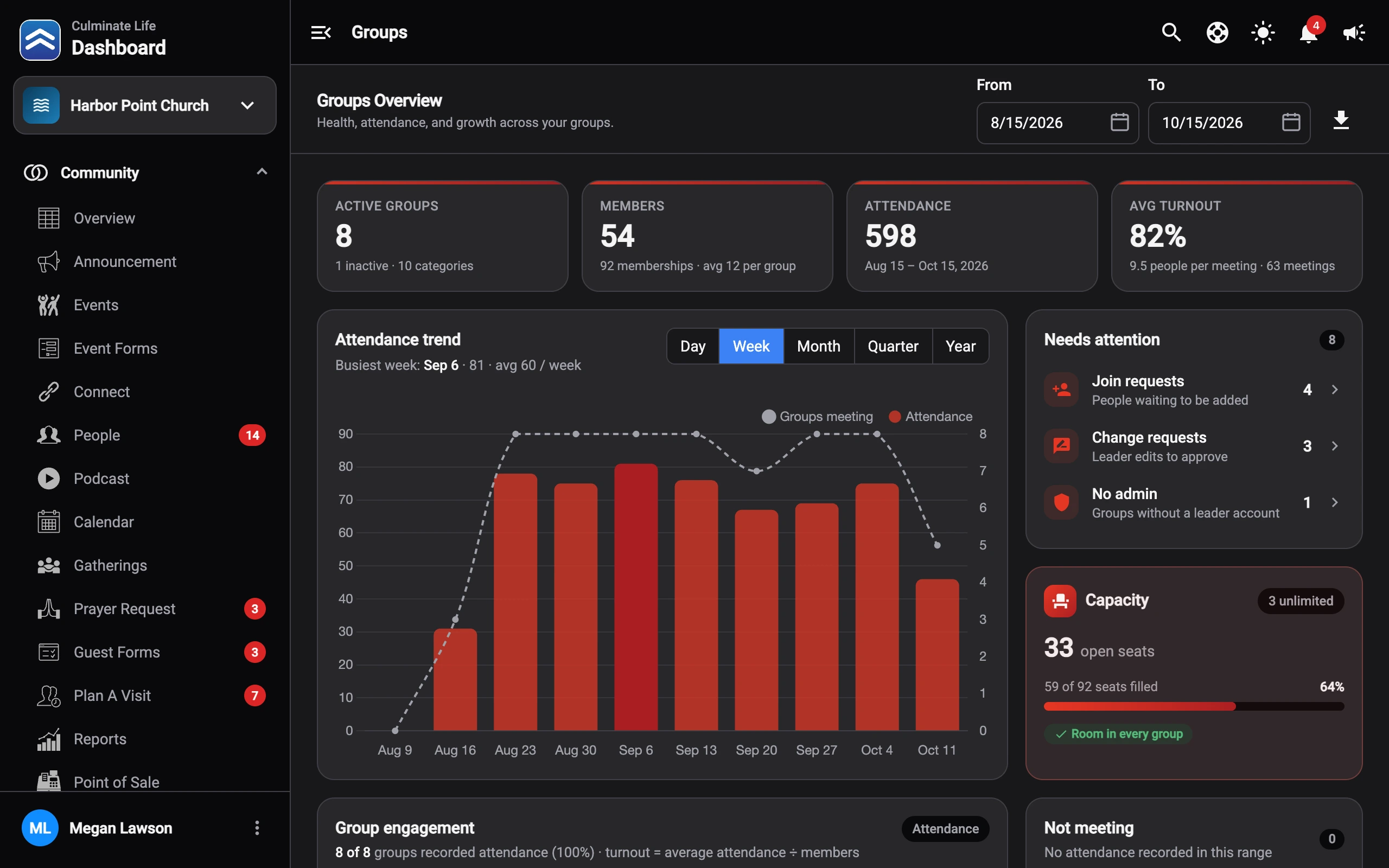
See attendance across every group in the dashboard.
Insights on group membership and leaders at a glance.
Organize groups so people find the right fit.
Members hear about updates in the app.
Set categories and assign leaders in the dashboard.
They find and join groups in the app or on your website.
Messaging, attendance, and polls, right in the app.
Every solution shares the same people records, so they work as one.
Groups share the same people records.
Explore Community
Volunteer scheduling is on the way.
Get notifiedGroups, the app, and texting together.
Read the guideNo. Leader tools live in the same app your members already use.
Yes. Admins can view every message group from the dashboard, message groups, and step in if an issue comes up.
Messages, images, polls, and lists. Leaders can also upload PDF files.
Groups is free for up to 50 people across all your groups. After that the price steps up with group membership.
Start free with up to 50 people in groups.