 Culminate Life
Community
Plan a Visit, guest forms, and people records.
Explore CommunityKnow who’s coming, greet them by name, and follow up before the week is out.
| Before | With Culminate Life |
|---|---|
| Visitor cards nobody can read | Guest forms on your app, website, and welcome desk |
| No idea who’s visiting until they walk in | Plan a Visit tells you who’s coming |
| Follow-up depends on who remembers | Every guest saved to your people records |
| New families wait at kids’ check-in | Temporary check-in labels in seconds |
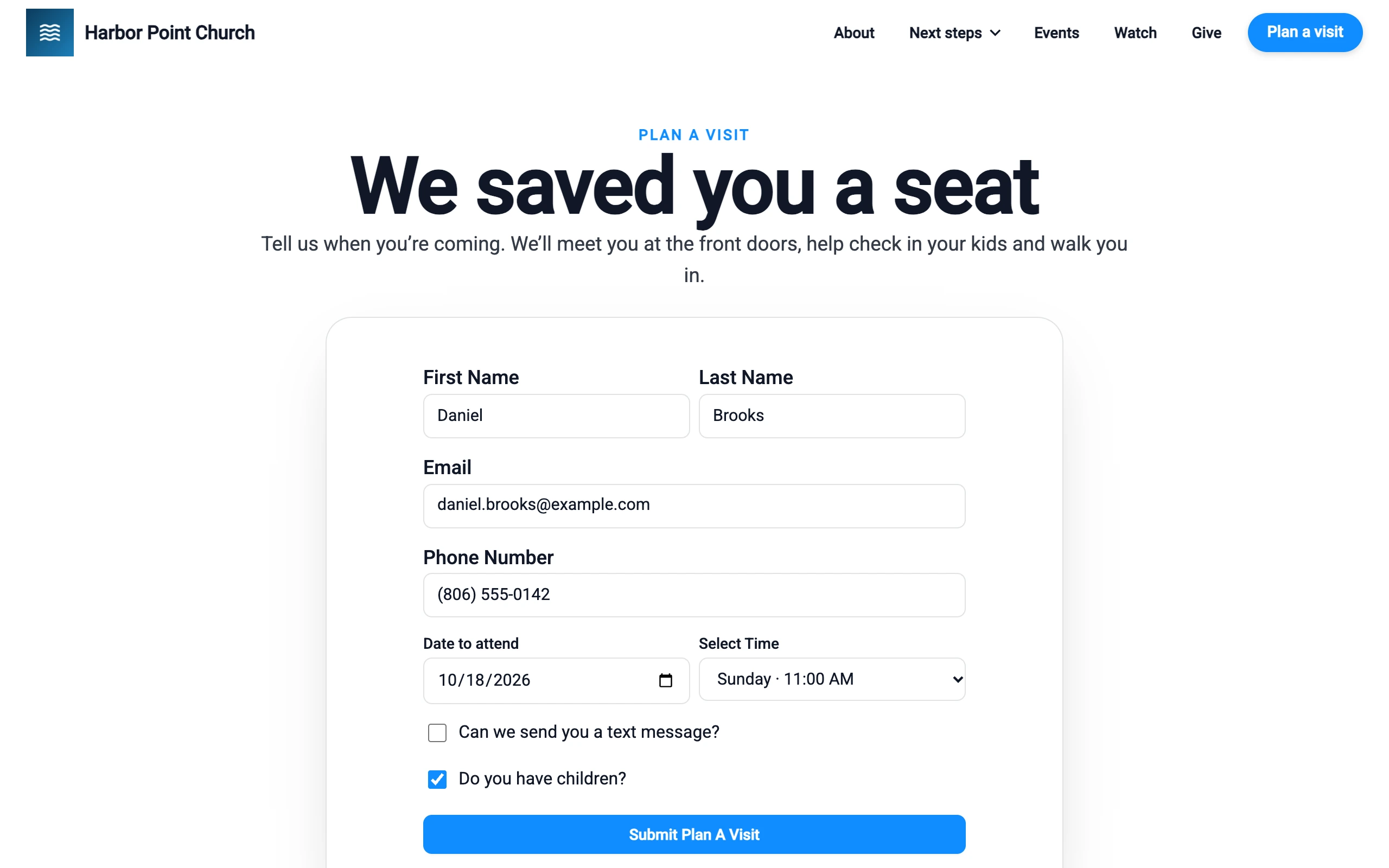
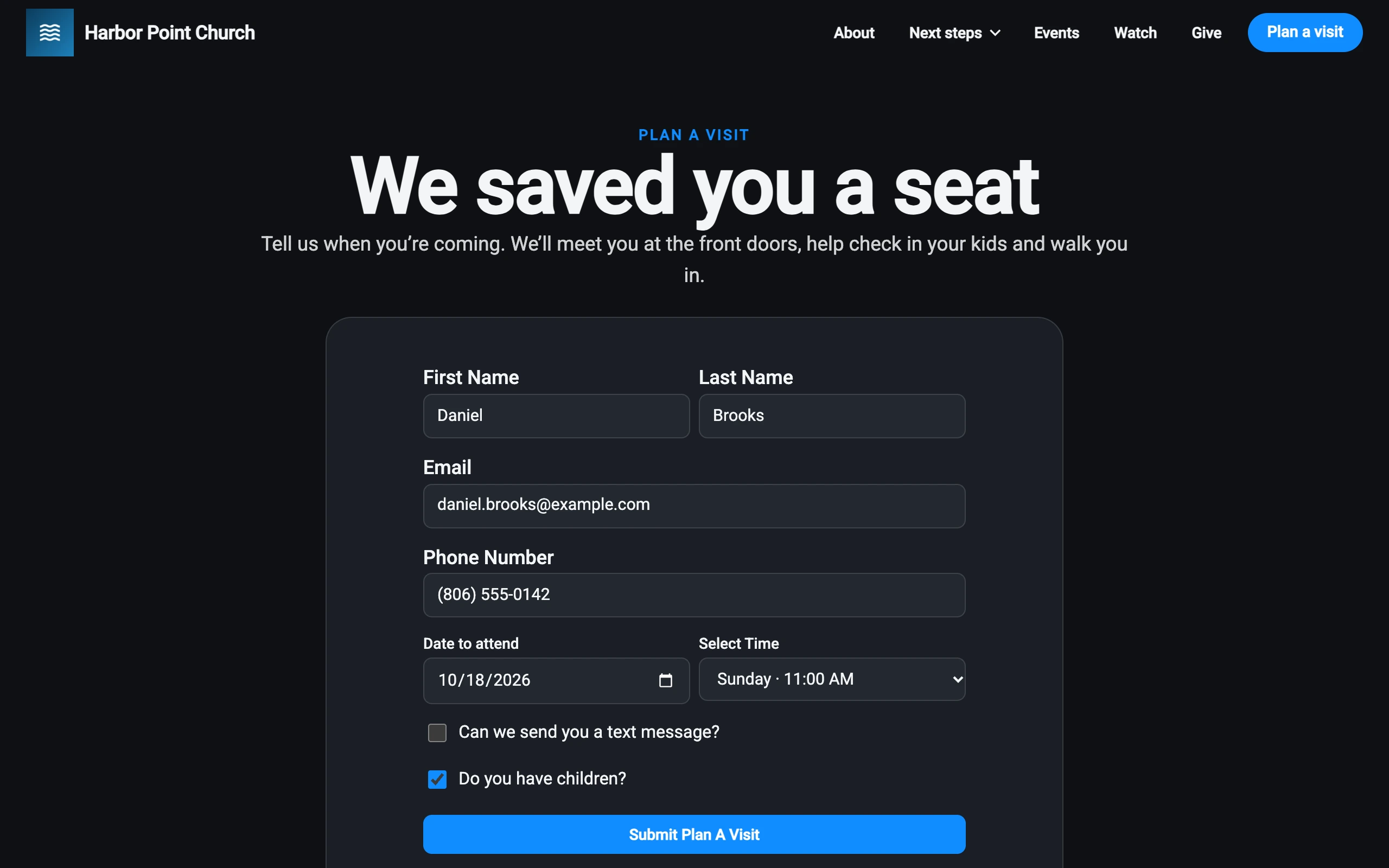
A form on your app and website lets people tell you they’re coming, so someone can be ready to say hello.
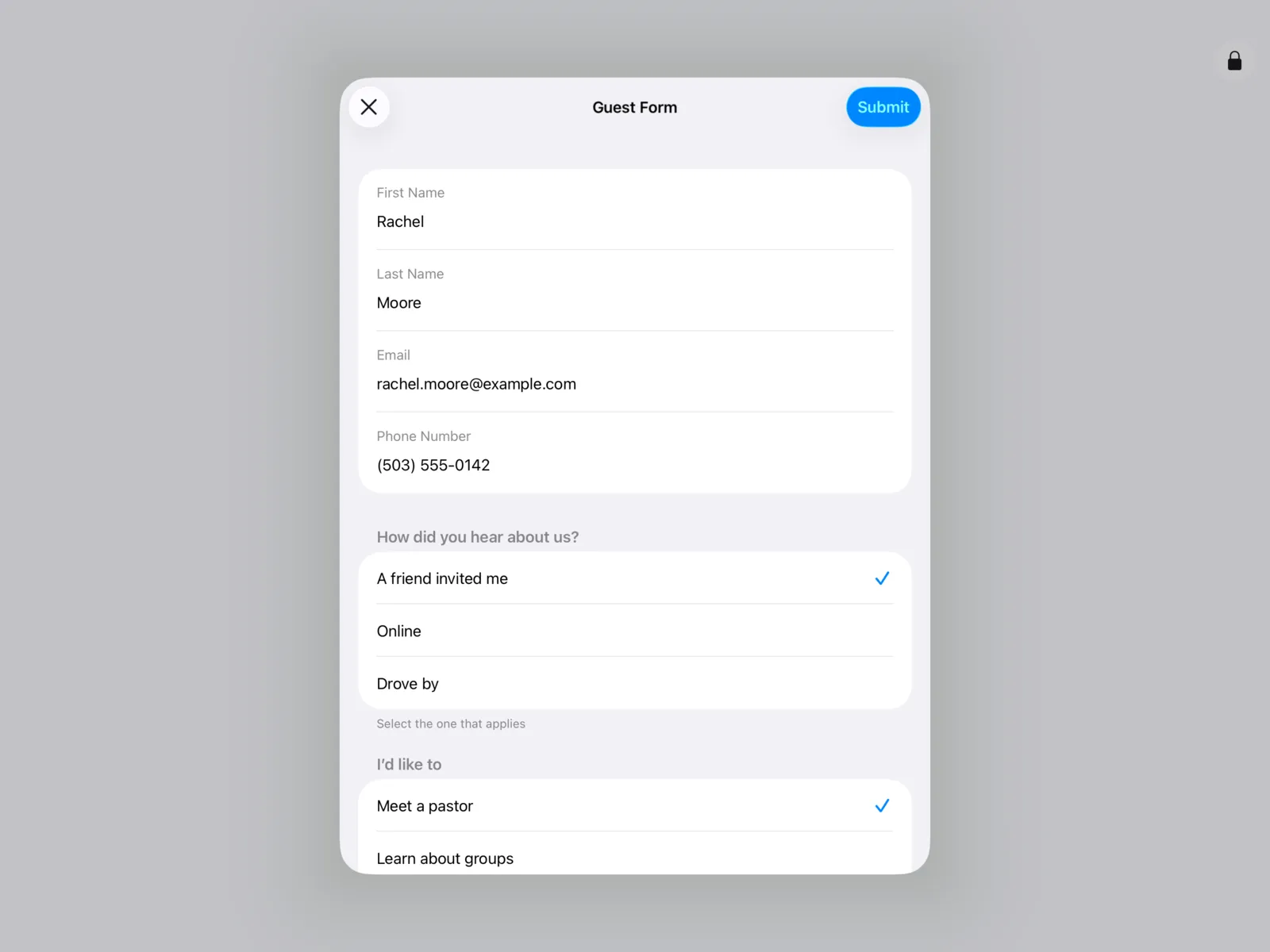
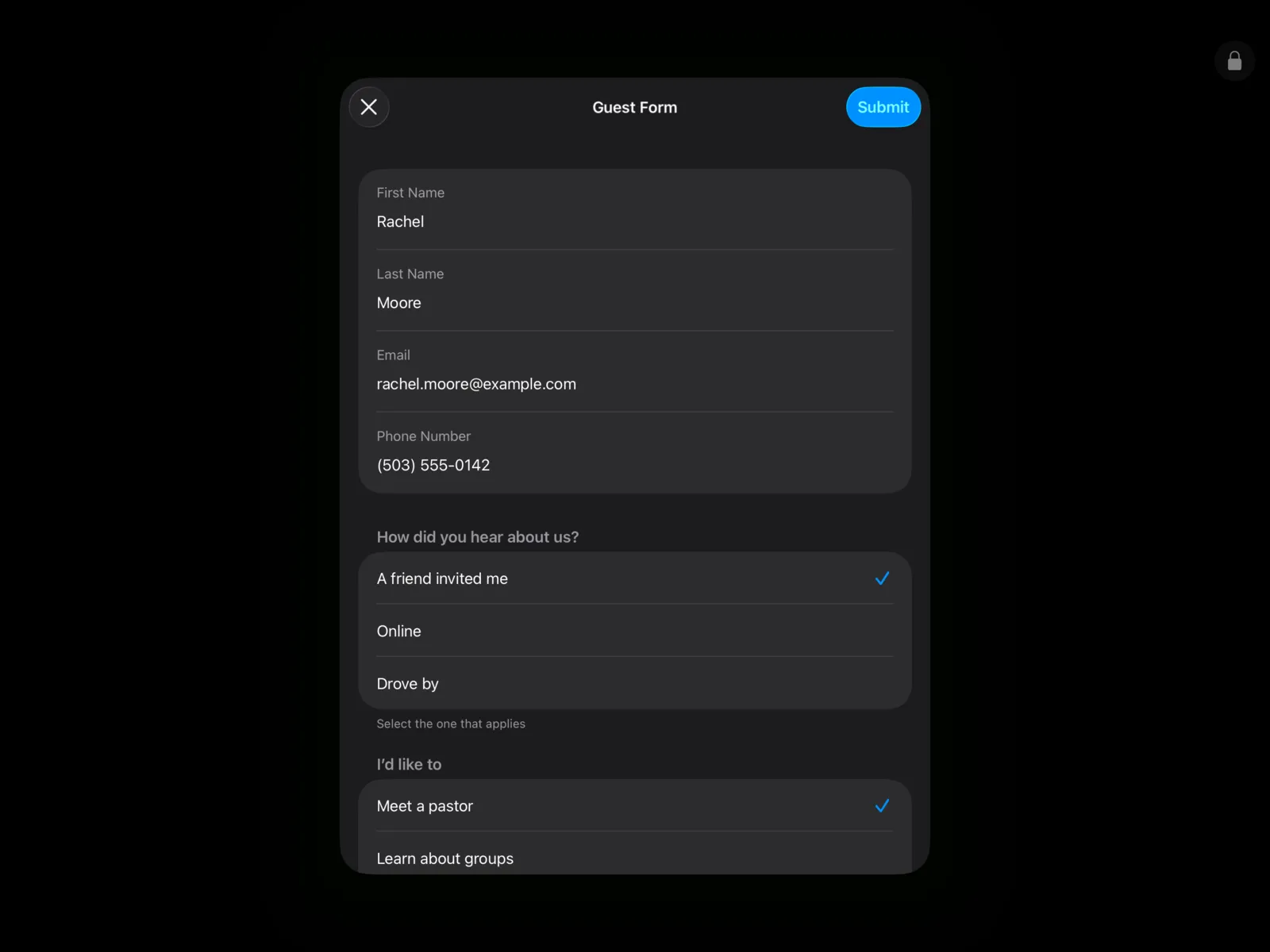
The Community Portal App acts as a concierge for guests at your welcome desk, with the First-Time Guest form ready to go.
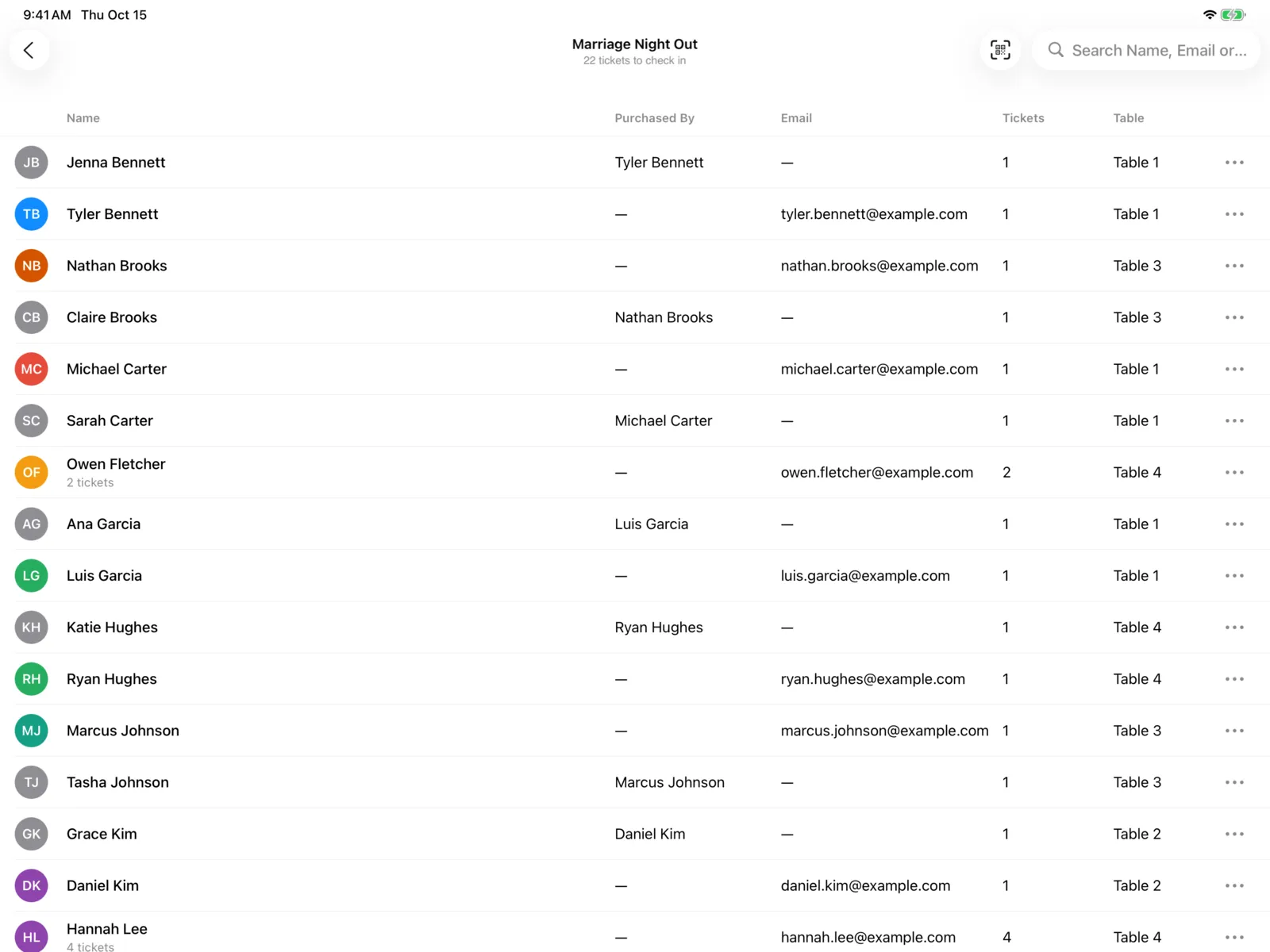
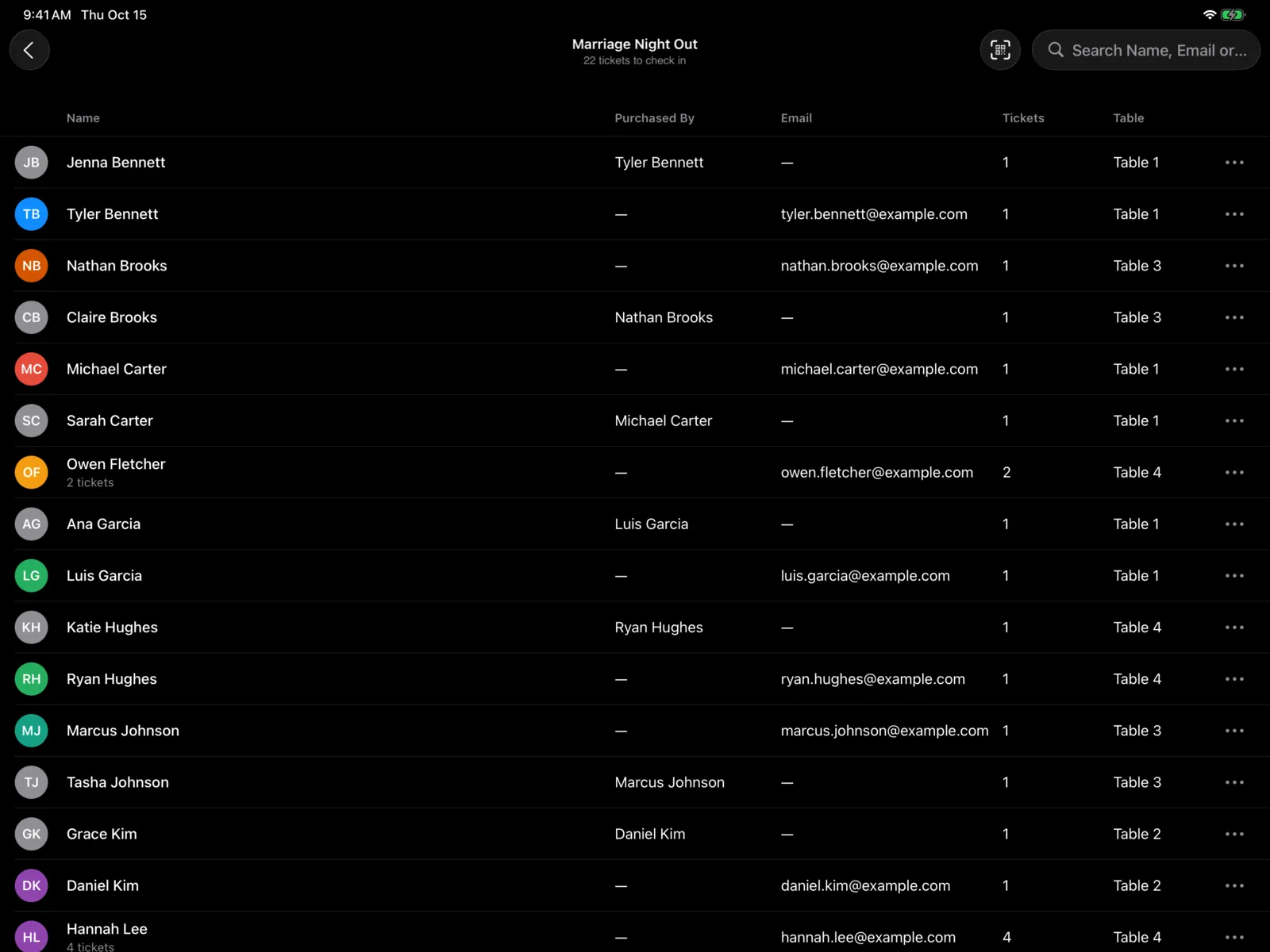
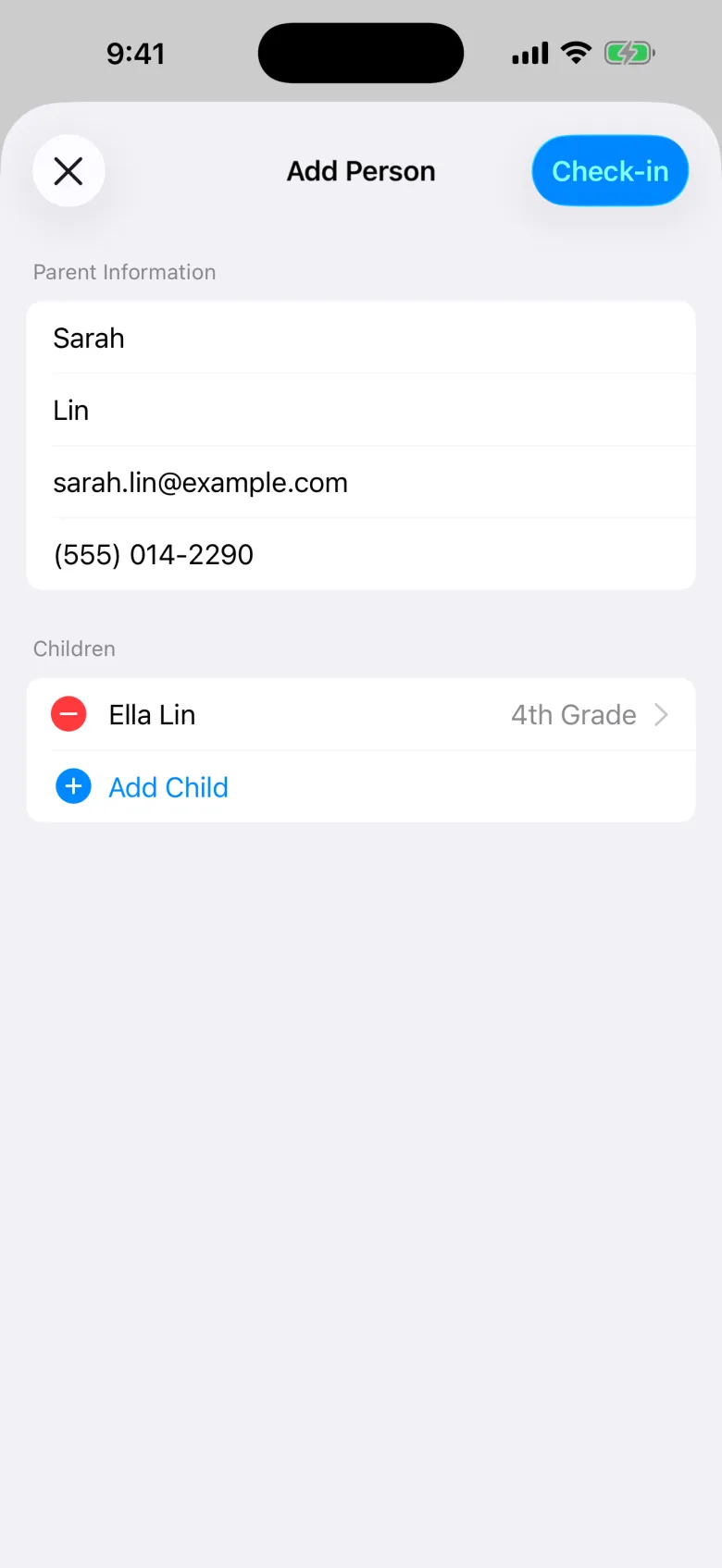
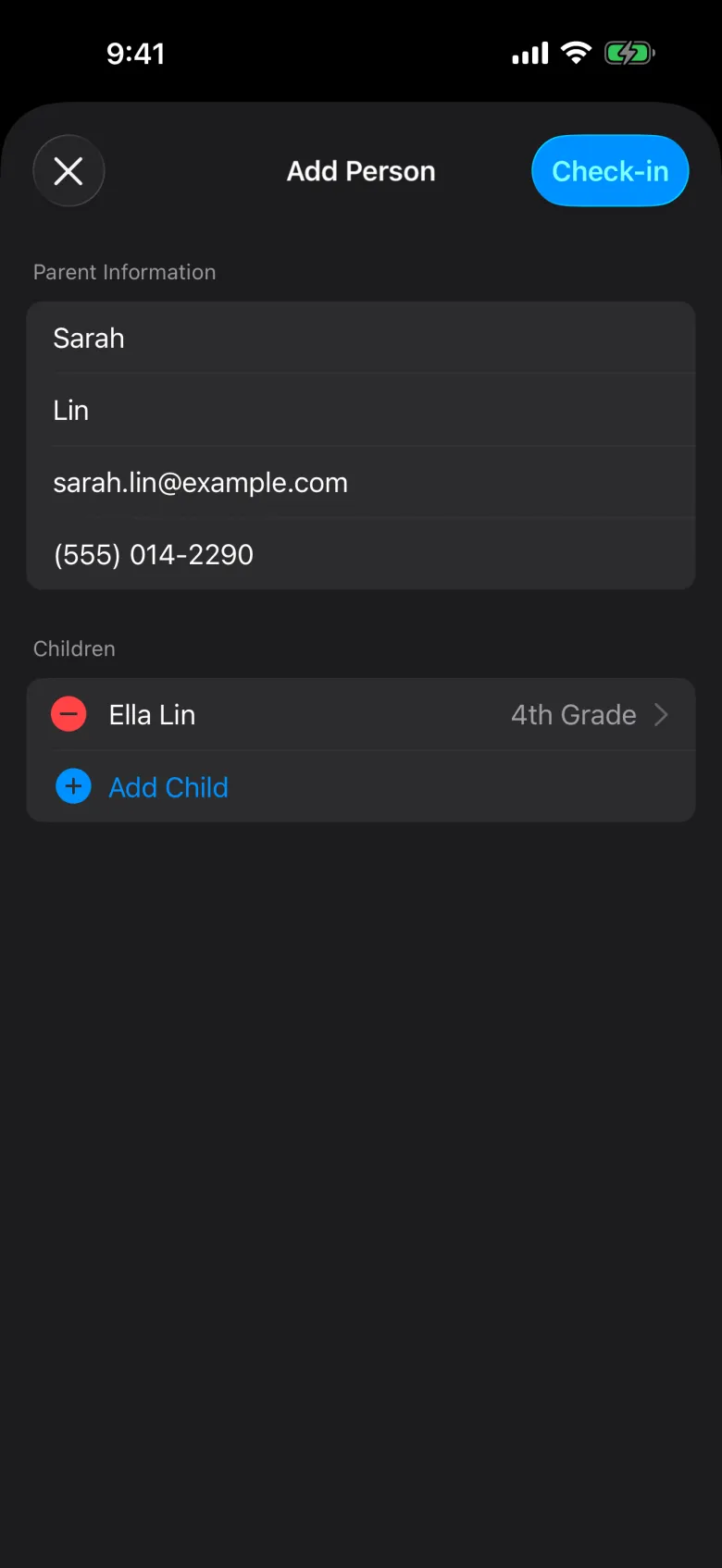
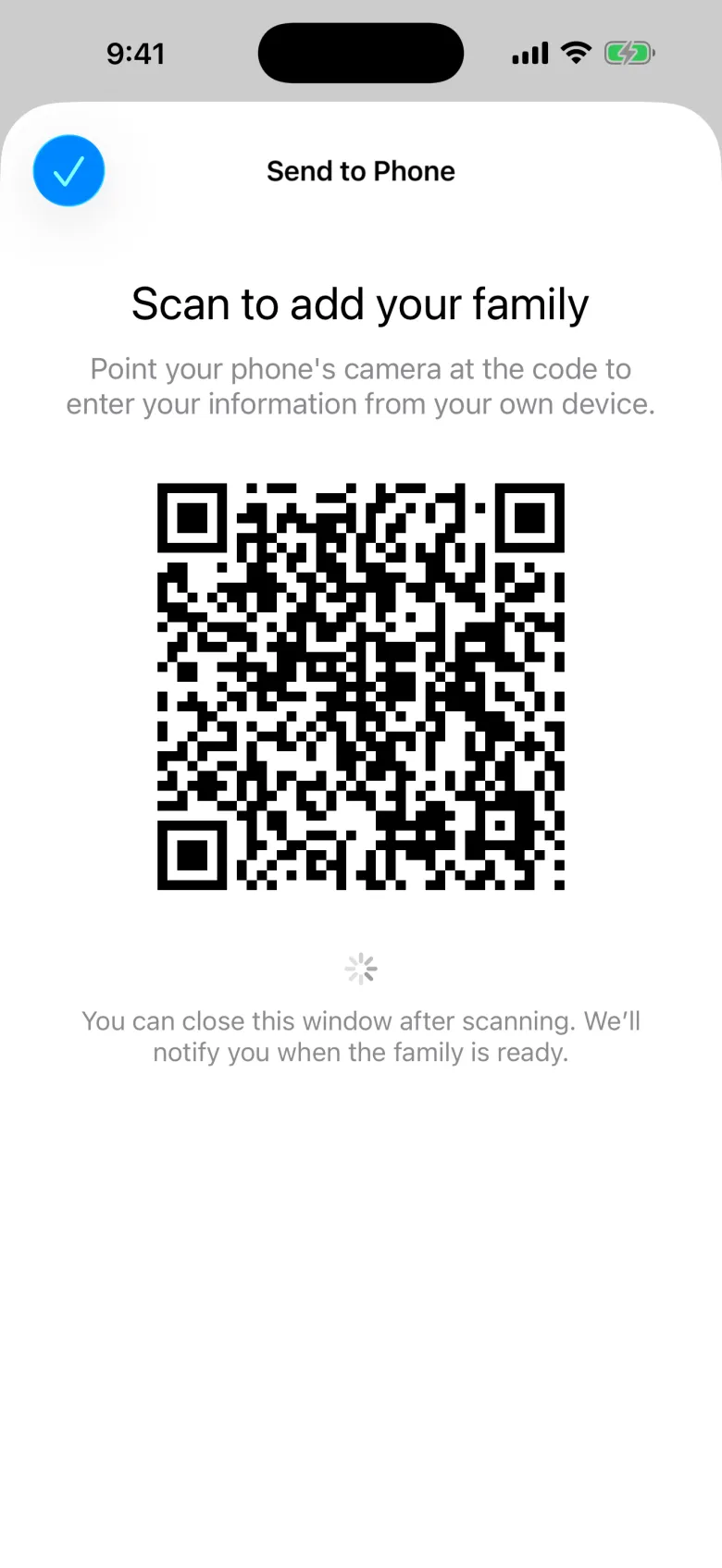
New families aren’t stuck filling in forms at the desk. A leader can add them, or they can do it themselves on their own phone.
From your app or website.
Guest form at the desk, temporary label for kids.
Every guest is in your people records.
Every solution shares the same people records, so they work as one.
Plan a Visit, guest forms, and people records.
Explore Community
Temporary labels for first-time families.
Explore Check-inIncluding the Community Portal App.
See the appsOn your app, your website, and the Community Portal App at your welcome desk.
They’re saved to your people records in Community, so you can follow up.
No. It’s free with Community.
Start free with Community.